Repair Information 4-7
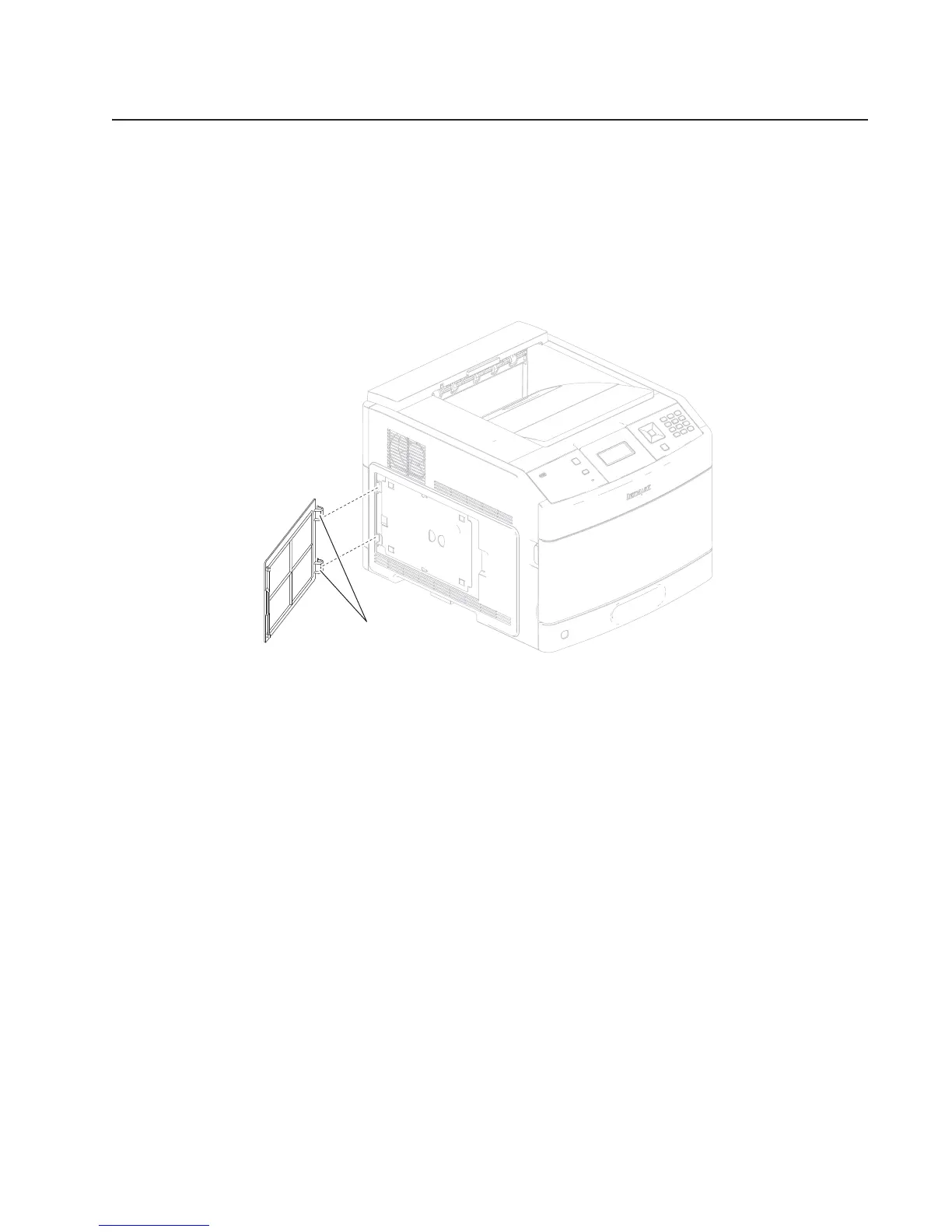
1. Open the access door.
2. Gently detach the two hinges (A) of the access door from the machine.
3. Remove the access door.
Alignment assembly removal
WARNING: When replacing the alignment assembly, ensure that the media skew is properly adjusted using
the adjuster screw (C), or jamming will occur. Go to “Alignment assembly adjustment” on page 4-4.
1. Remove the side cover, left. Go to “MPF cam gear removal” on page 4-36 or “Side cover, left removal
A
Removals
Access door removal
Replacement note: To replace a removed part, reverse the order of removal unless noted otherwise.
(5350dn, 5530dn, and T656)” on page 4-67.















 To Next Page