Repair Information 4-111
550-sheet frame assembly removal
Note: The 550-sheet frame assembly is not a FRU.
1. Remove the 550-sheet pick arm bracket assembly. Go to “550-sheet pick arm bracket assembly
removal” on page 4-109.
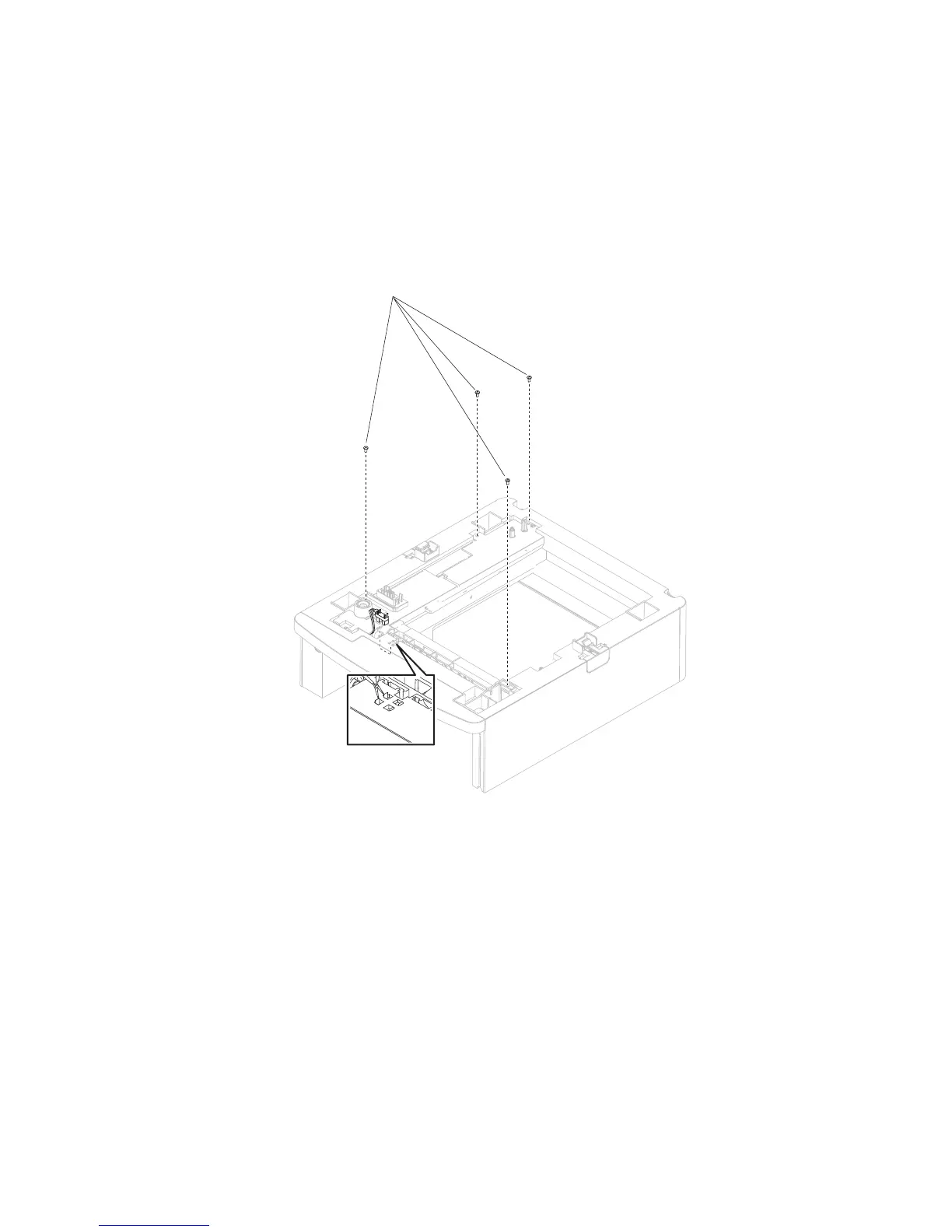
2. Release the hooks securing the sensor (pass through) to the drawer.
3. Remove the sensor (pass through) from the drawer.
4. Remove the four screws (A) securing the 550-sheet frame assembly to the drawer.















 To Next Page