4-196 Service Manual
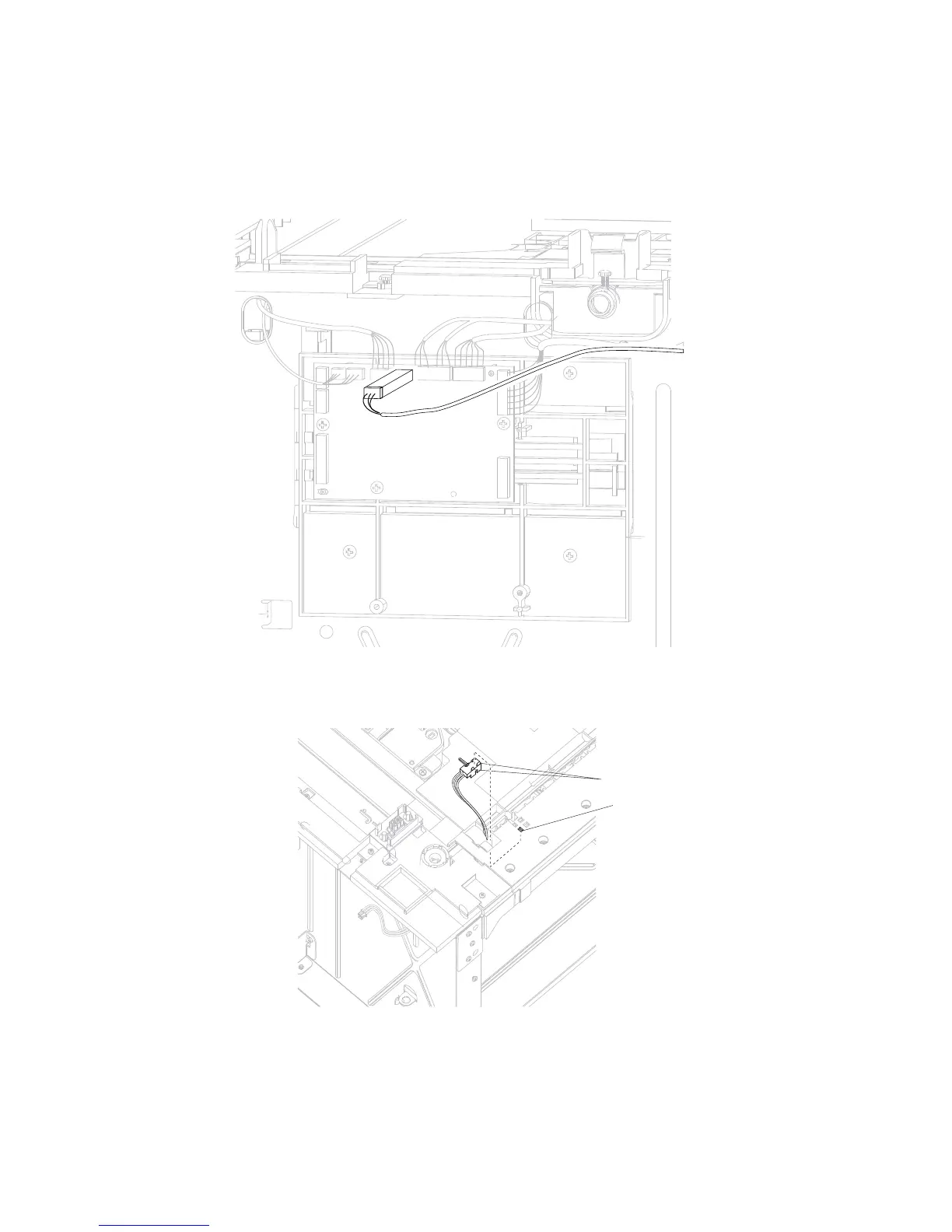
Sensor (HCIT pass through) with cable removal
Note: Carefully remove the base machine from the HCIT tray assembly before proceeding.
1. Remove the HCIT cover, left. Go to “High capacity input tray (HCIT) cover, left removal” on page 4-123.
2. Disconnect the sensor (HCIT pass through) cable connector from the HCIT controller card assembly.
Note: Remove the cable restraint, and observe the routing for reinstallation.
3. Release the hooks (A) securing the sensor (HCIT pass through) to the machine.
4. Remove the sensor (HCIT pass through) with cable from the top plate.















 To Next Page