4-86 Service Manual
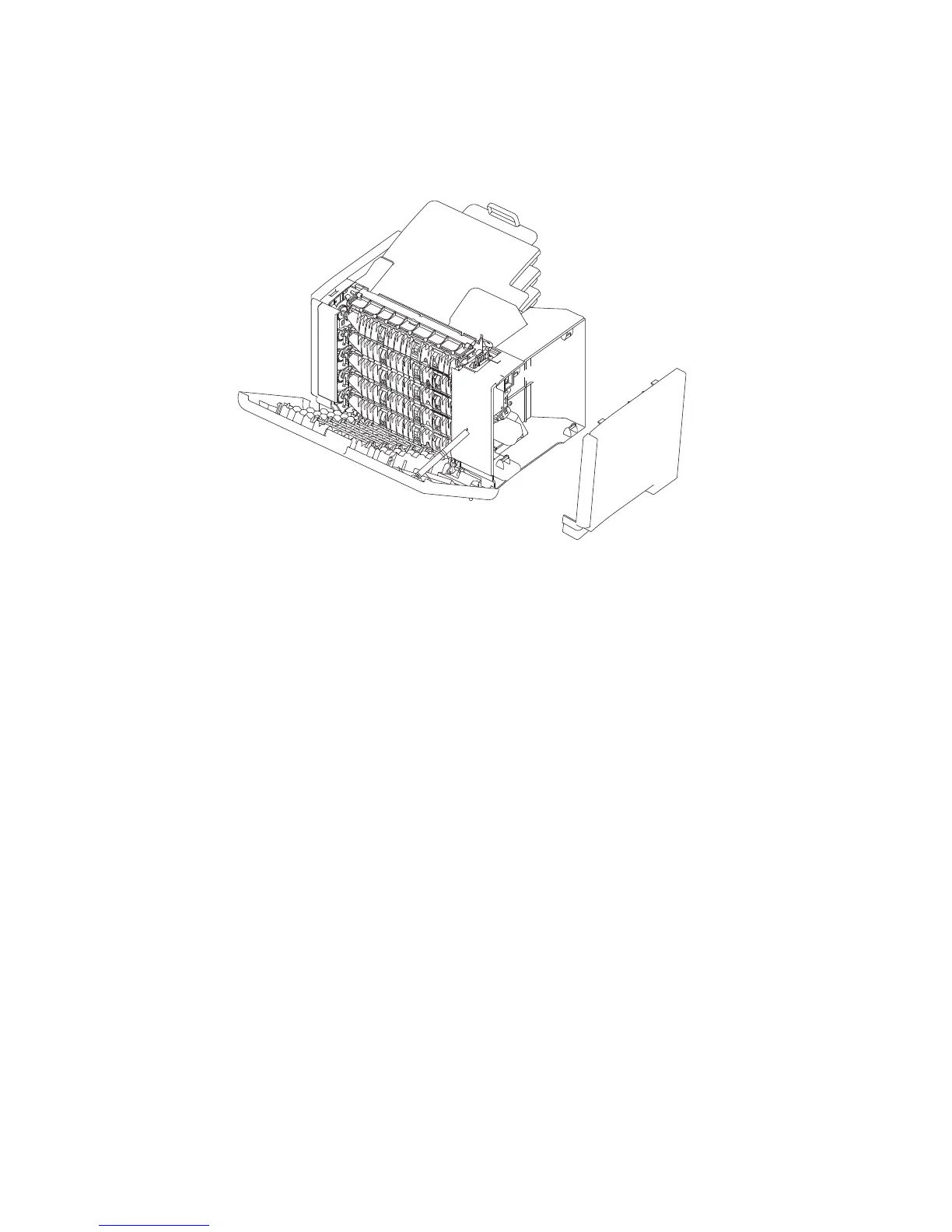
5-bin mailbox left outer cover removal
1. Open the rear door assembly.
2. Grasp the upper rear corner of the left outer cover and pull it off the 5-bin mailbox assembly.
5-bin mailbox left inner cover removal
1. Remove the 5-bin mailbox rear door assembly. Go to “5-bin mailbox rear door assembly removal” on
page 4-85.
2. Remove the 5-bin mailbox left outer cover. Go to “5-bin mailbox left outer cover removal” on page 4-86.















 To Next Page