Repair Information 4-65
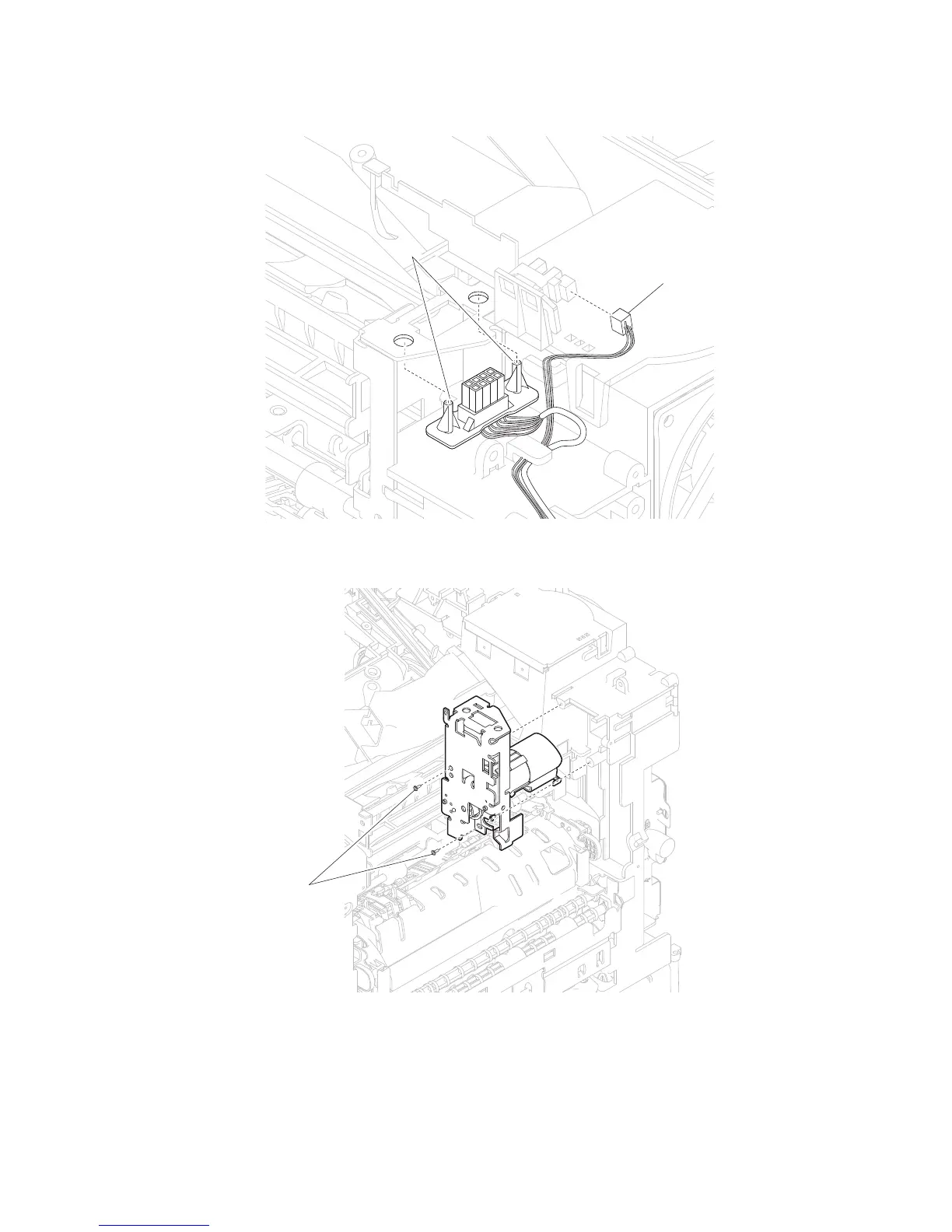
6. Release the hooks (D) securing the output option interface cable assembly to the machine.
7. Detach the output option cable assembly.
8. Remove the two screws (E) securing the redrive motor assembly to the machine.
9. Remove the redrive motor assembly.
1. Open the MPF tray door assembly.
2. Open the operator panel door assembly.
D
C
Side cover, left removal (5230n/dn)















 To Next Page