4-42 Service Manual
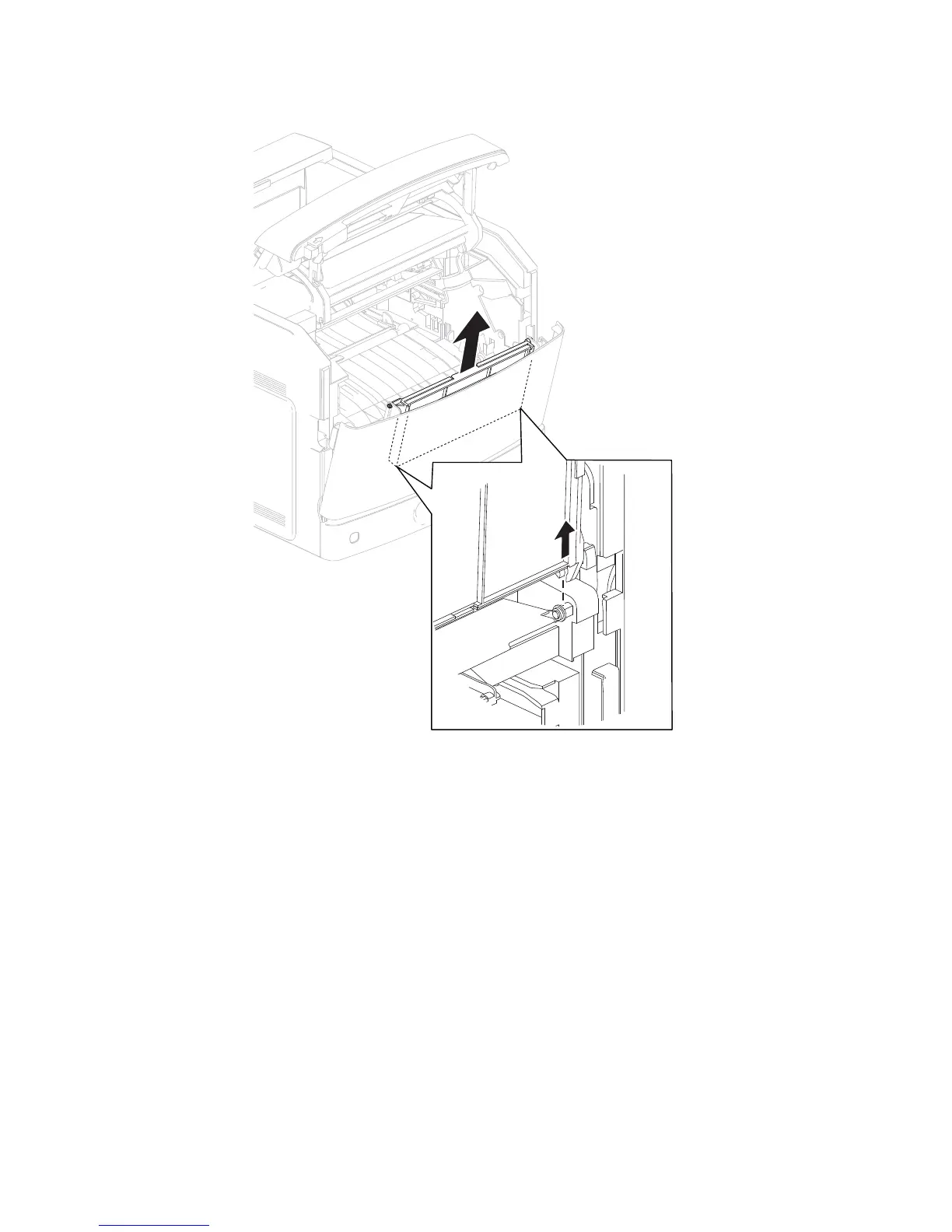
5. Slide the MPF tray door assembly in the direction of the arrow to detach it from the machine.
6. Remove the MPF tray door assembly.
1. Open the operator panel door assembly.
2. Remove the four screws (A) securing the operator panel latch assembly to the machine.
Operator panel latch assembly removal (5230n/dn, 5350dn, and 5530dn)















 To Next Page