4-144 Service Manual
Note: When installing the left frame, make sure the media output bin assembly is aligned properly.
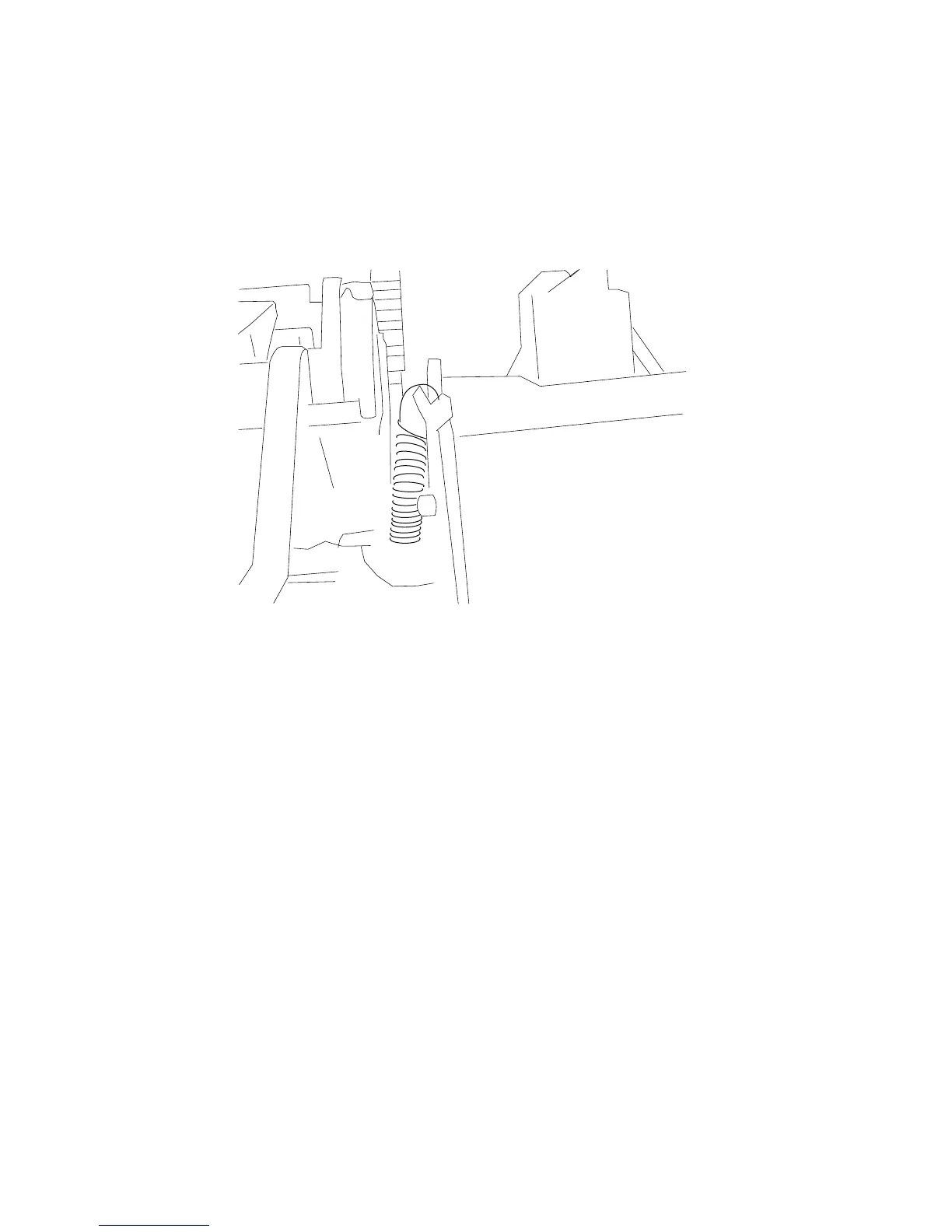
High capacity stacker upper deflector gate removal
1. Remove the rear door assembly. Go to “High capacity stacker rear door assembly removal” on
page 4-134.
2. With a spring hook, carefully remove the upper deflector gate spring and for ease of reassembly,
temporarily hook the spring to the upper frame tab.















 To Next Page