Diagnostic aids 3-101
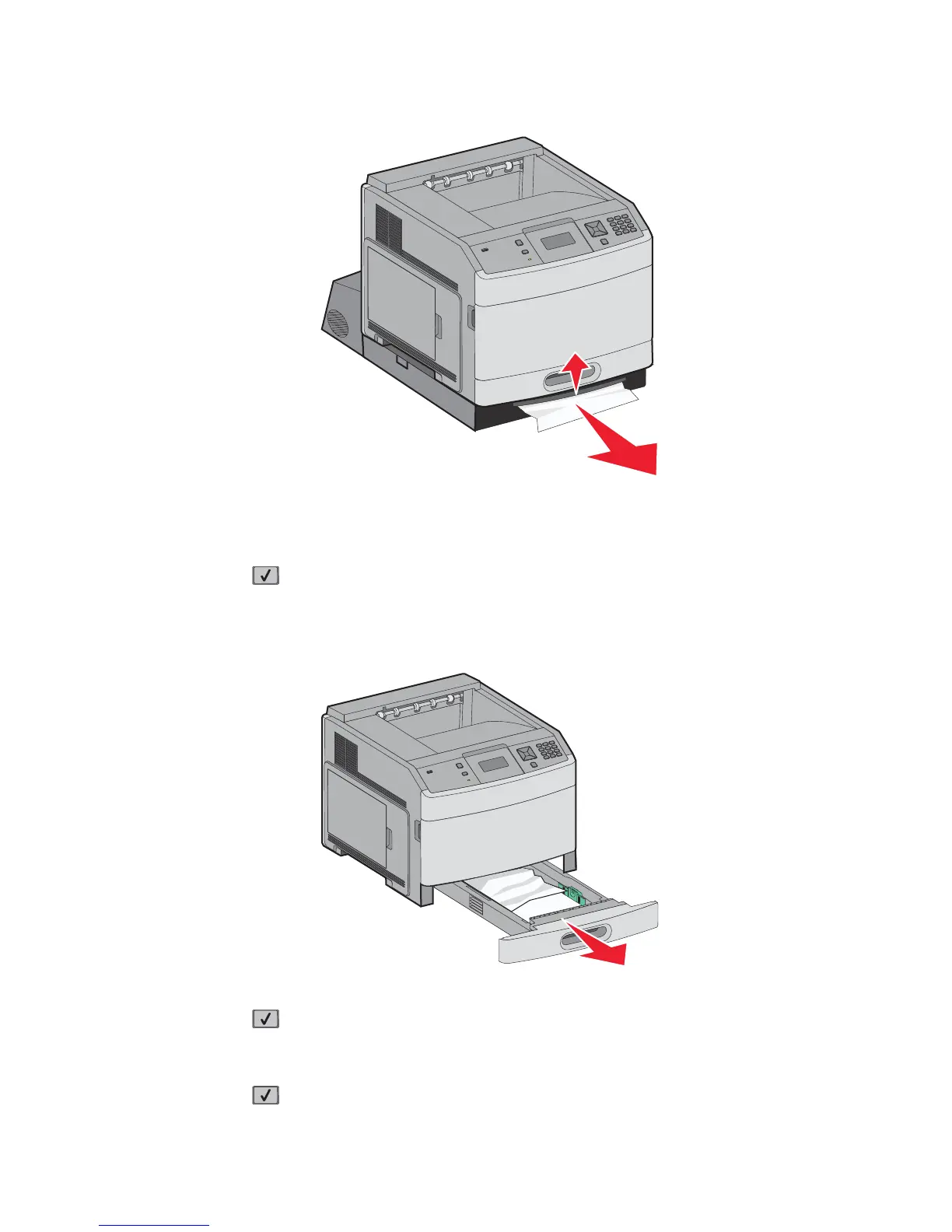
3. Raise the recessed duplex bar.
4. Remove the jammed paper,.
5. Replace the duplex jam access tray.
6. Insert the standard tray.
7. Press .
241–245 paper jams
1. Pull out the tray indicated on the display.
2. Remove any jammed paper, and then insert the tray.
3. Press .
4. If the jam message remains for a 250-sheet or 550-sheet tray, then remove the tray from the printer.
5. Remove the jammed paper, and then insert the tray.
6. Press .















 To Next Page