Repair Information 4-169
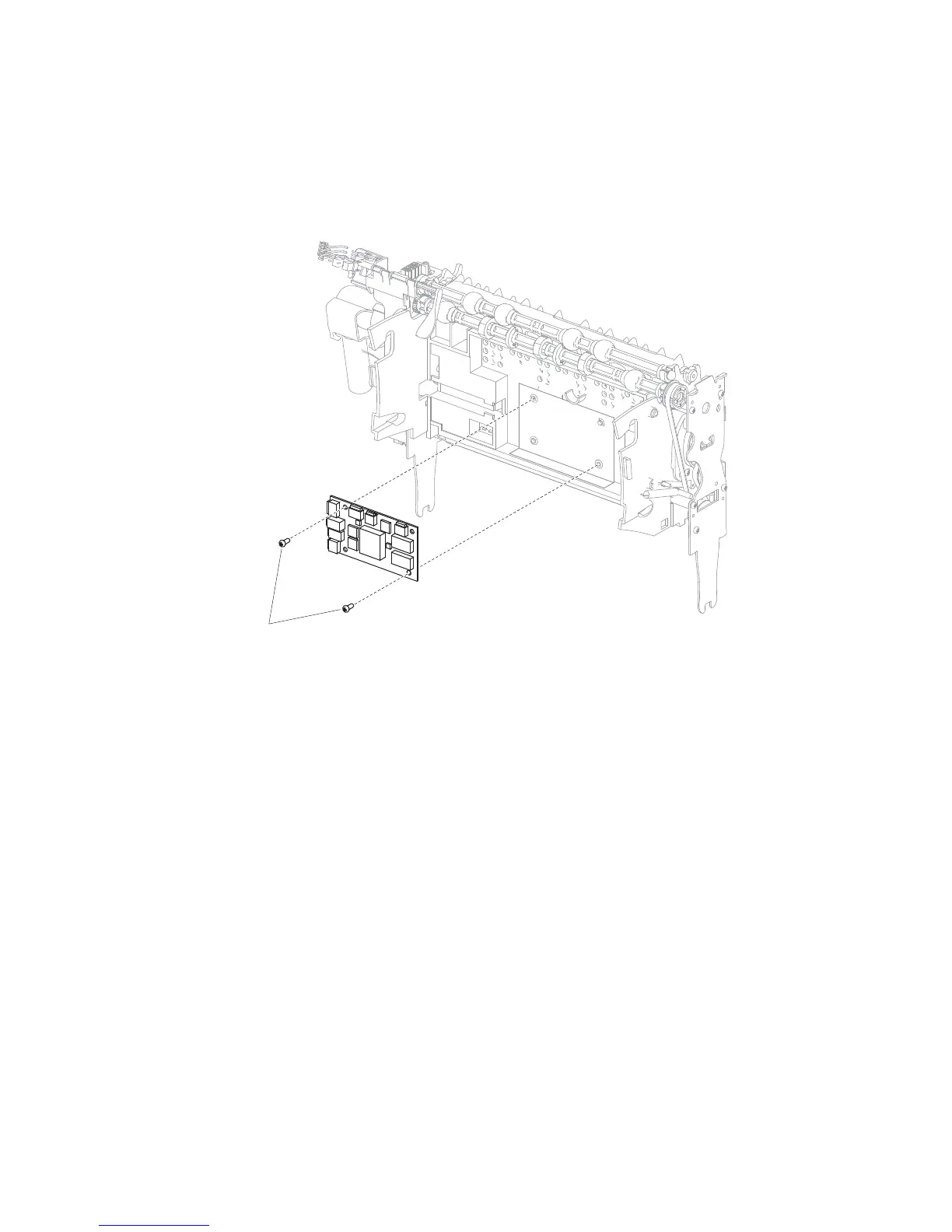
Output expander controller card removal
1. Remove the output expander controller card cover panel. Go to “Output expander controller card cover
panel removal” on page 4-167.
2. Disconnect all harnesses from the controller card.
3. Remove the two screws (A) securing the controller card to the frame.
4. Remove the controller card.
Replacement Note: Be sure to replace the interface connectors in their proper orientation as the two have
common connection pins.















 To Next Page