Repair Information 4-143
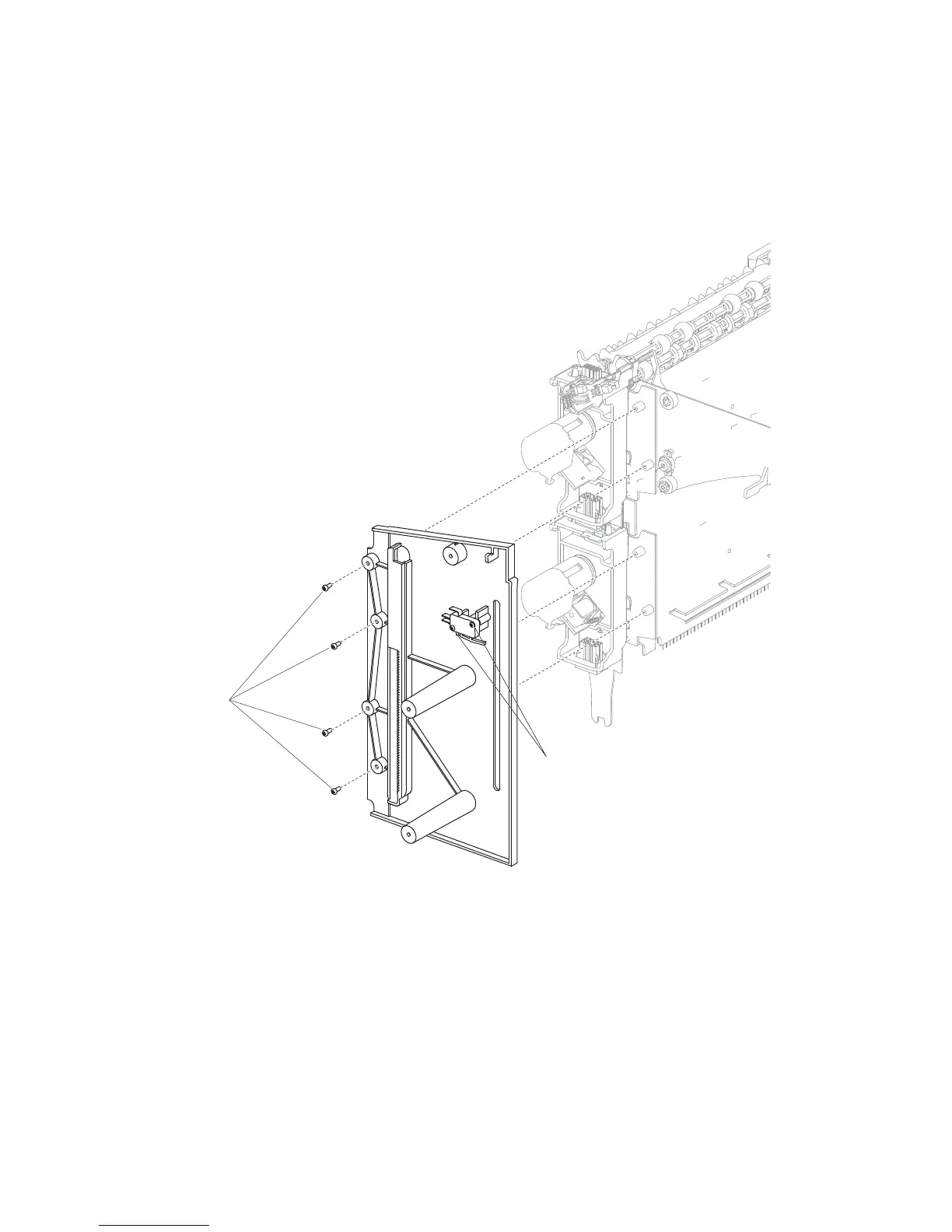
High capacity stacker left frame removal
1. Remove the left media output bin recoil spring.
2. Remove the two screws (A) securing the switch (media bin HP) to the left frame.
3. Remove the high capacity stacker standard output bin LED.
4. Remove the four screws (B) securing the left frame to the high capacity stacker assembly.
5. Carefully remove the left frame.
A















 To Next Page