4-160 Service Manual
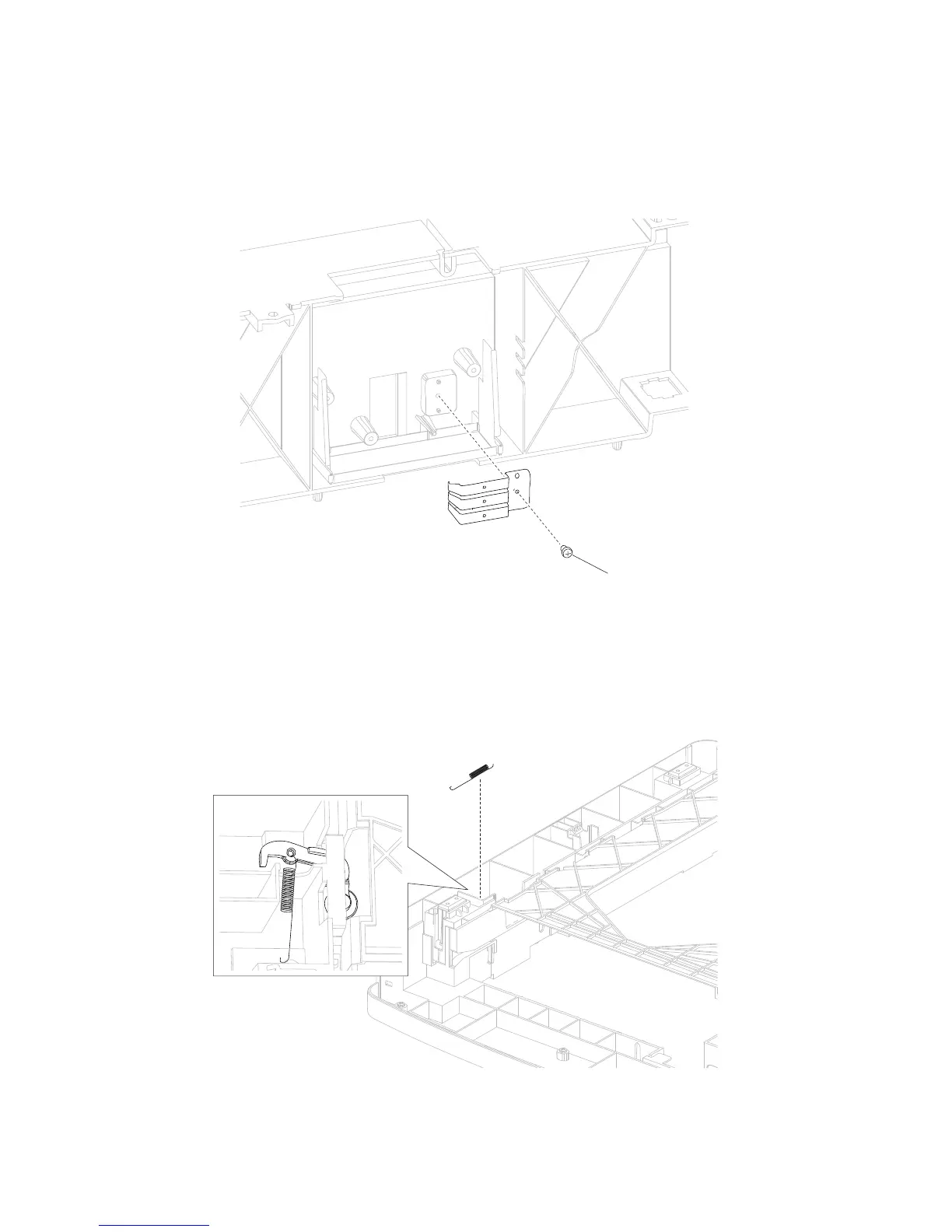
Media size actuator removal
1. Remove the 550-sheet controller card assembly. Go to “550-sheet controller card assembly removal”
on page 4-112.
2. Remove the screw (A) securing the media size actuator to the 550-sheet frame.
3. Remove the media size actuator.
Media tray catch spring removal
1. Remove the 550-sheet frame assembly. Go to “Media size actuator removal” on page 4-160.
2. Turn the drawer over so that you can access the media tray catch spring.
3. Release the media tray catch spring.
Media tray roller catch assembly removal















 To Next Page