4-70 Service Manual
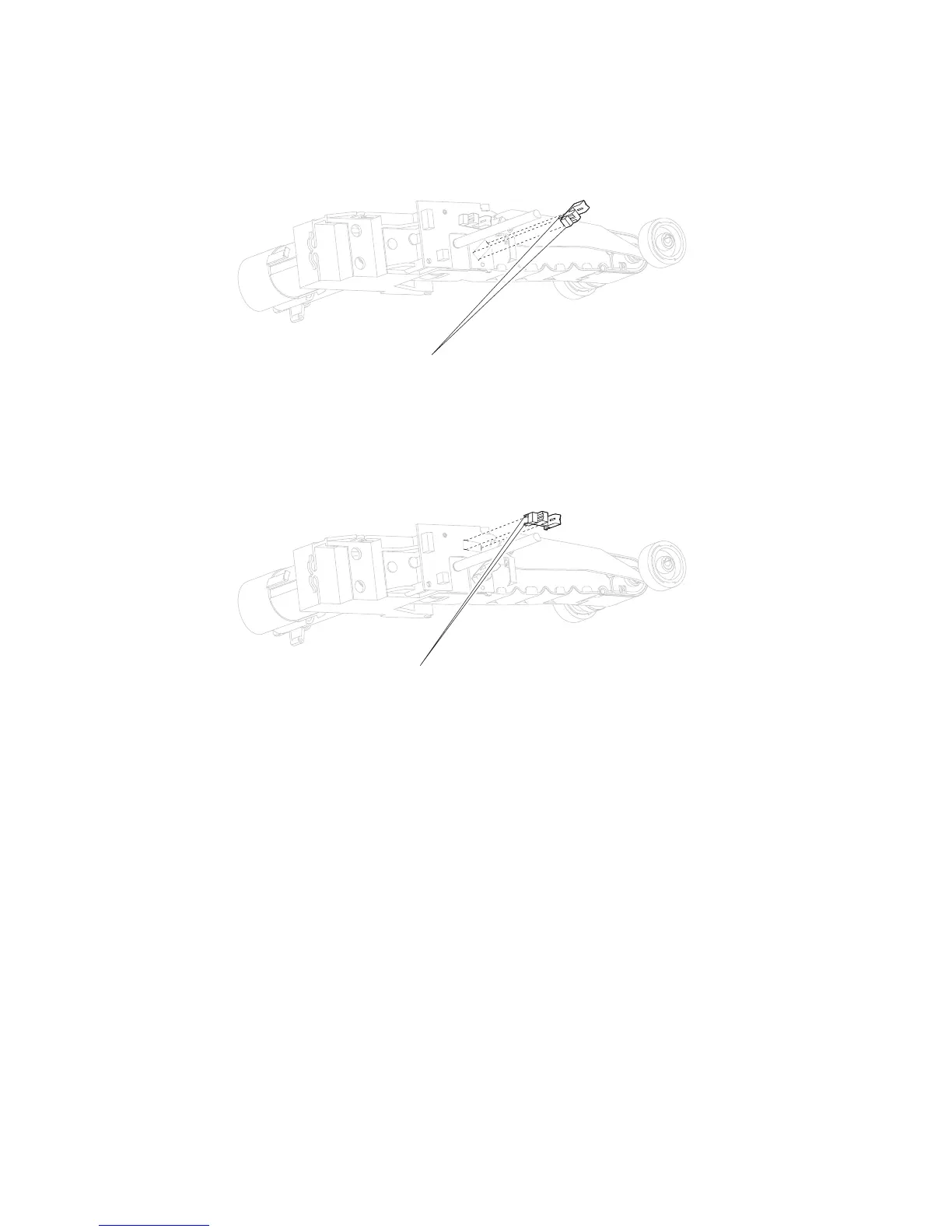
Sensor (media level) removal
1. Remove the pick arm assembly. Go to “Operator panel door assembly removal (T656)” on page 4-49.
2. Release the hooks (A) securing the sensor (media level) to the assembly.
3. Remove the sensor (media level).
Sensor (media out) removal
1. Remove the pick arm assembly. Go to “Operator panel door assembly removal (T656)” on page 4-49.
2. Release the hooks (A) securing the sensor (media out) to the assembly.
3. Remove the sensor (media out).















 To Next Page