Repair Information 4-59
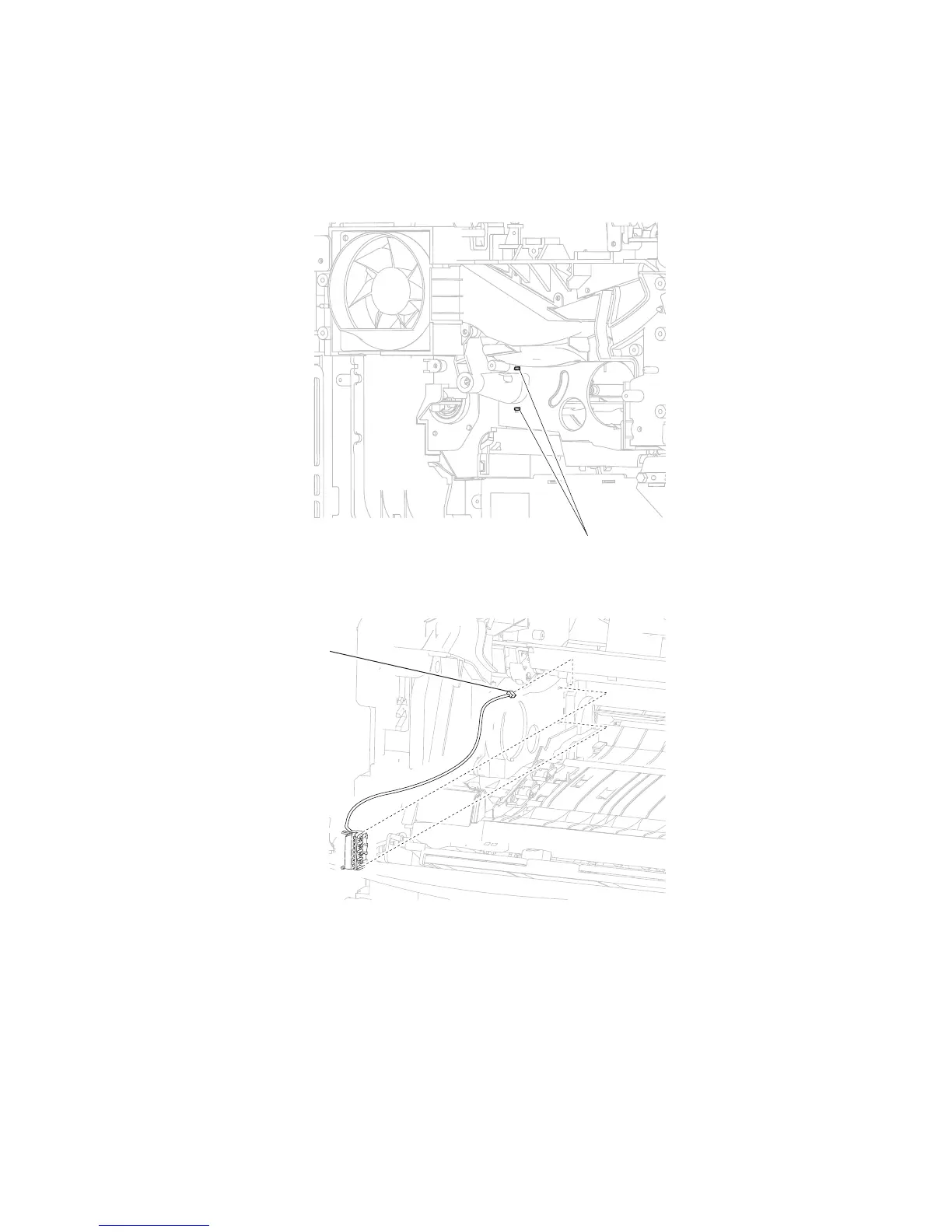
Print cartridge ID connector assembly removal
1. Remove the print cartridge.
2. Remove the main drive motor assembly. Go to “Output cover assembly removal” on page 4-54.
3. Release the two hooks (A) securing the print cartridge ID connector assembly to the machine.
4. Remove the print cartridge ID connector assembly.
5. Disconnect the connection (B) from the print cartridge ID connector assembly.















 To Next Page