Repair Information 4-61
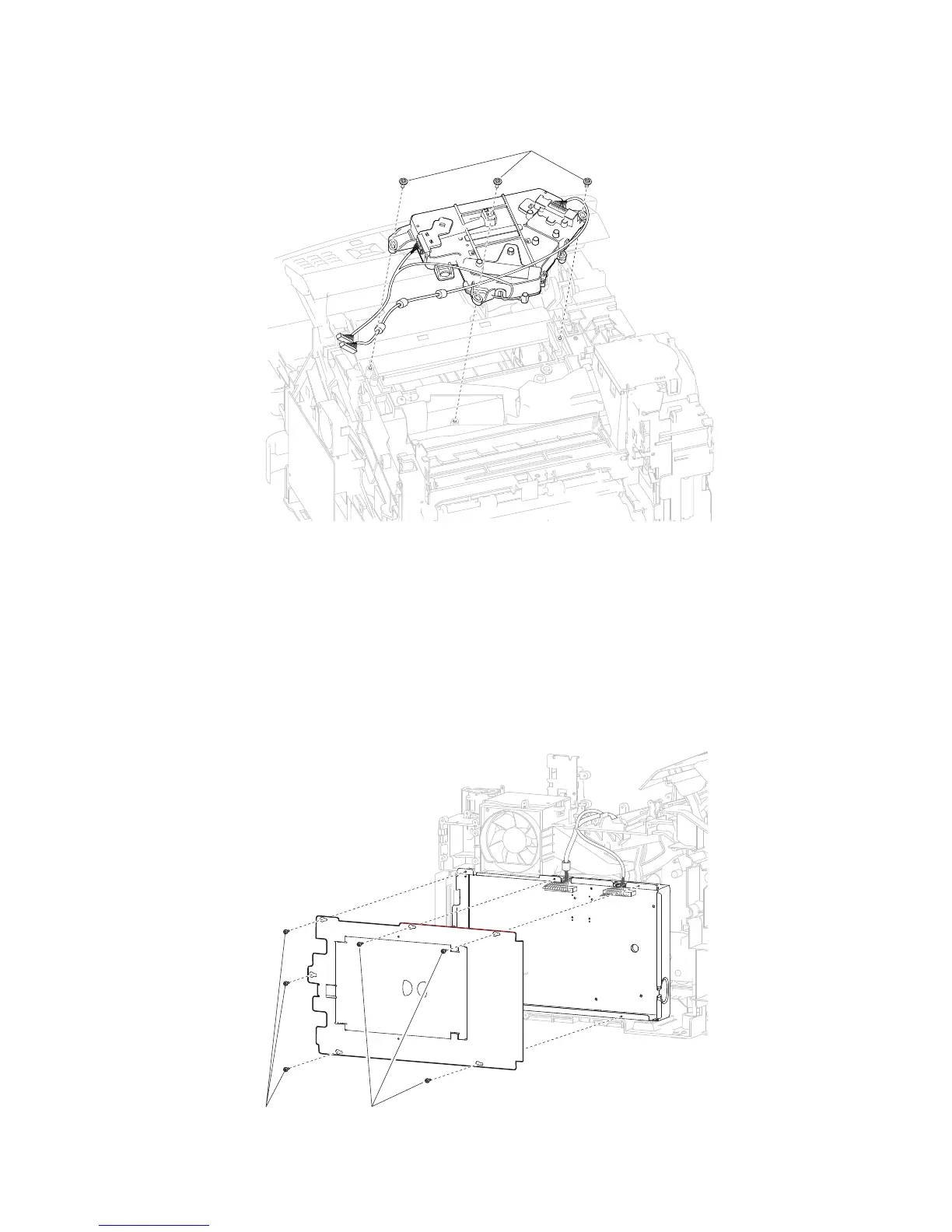
5. Remove the three screws (C) securing the printhead assembly to the machine.
6. Remove the printhead assembly.
Replacement Warning: When replacing the printhead assembly, ensure that the printhead is properly
calibrated, or print quality issues will occur.
WARNING: When replacing the printhead assembly, ensure that the printhead skew is properly adjusted, or
print quality issues will occur.
1. Remove the laser cover. Go to “Laser cover removal” on page 4-26.
2. Remove the six screws (A) securing the metal cover to the machine.
Printhead assembly removal (5350dn, 5530dn, and T656)















 To Next Page