Repair Information 4-123
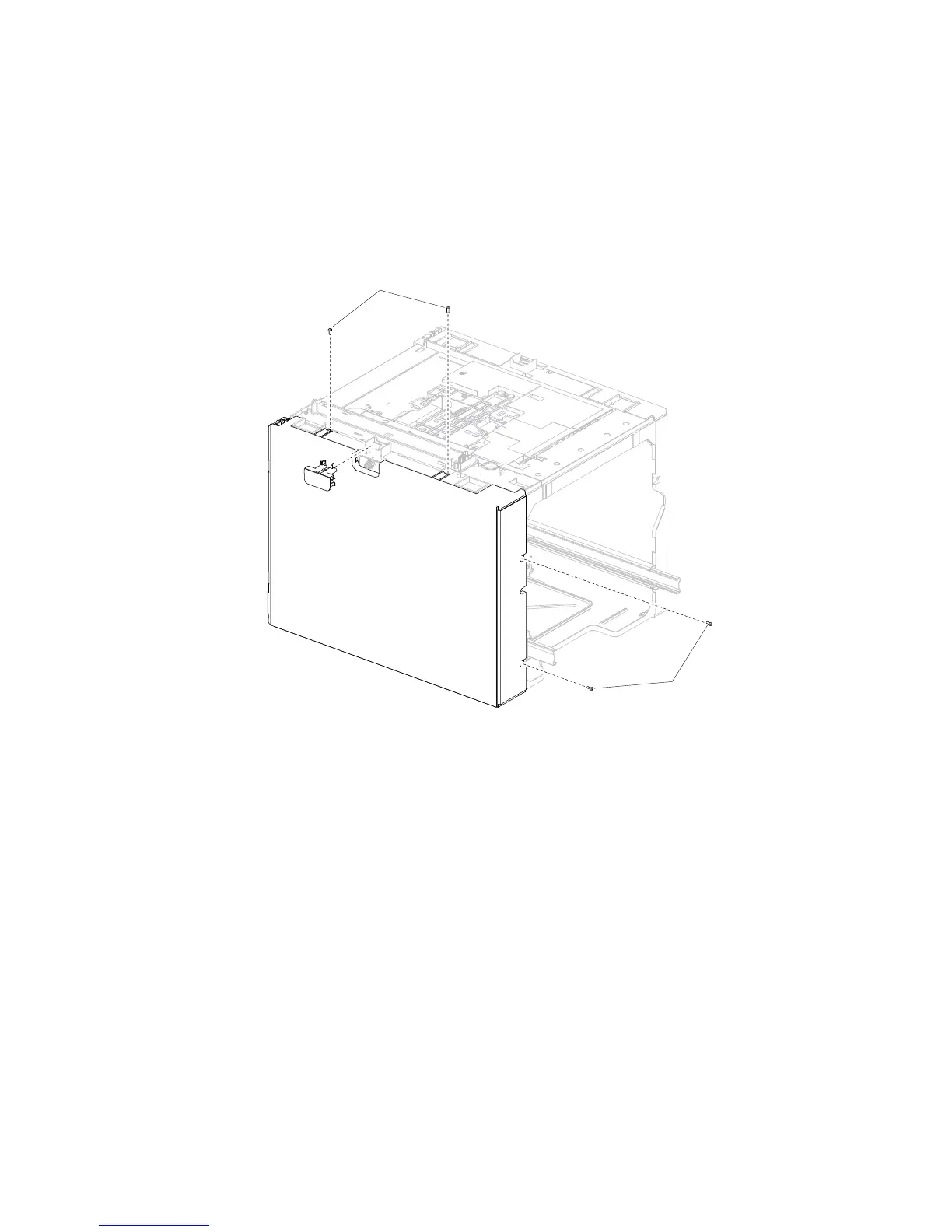
High capacity input tray (HCIT) cover, left removal
Note: Carefully remove the base machine from the HCIT tray assembly before proceeding.
Note: Before removing the HCIT cover, left, first remove the left side anti-tip latch assembly. Go to “High
capacity input tray (HCIT) anti-tip latch assembly removal” on page 4-124.
1. Remove the HCIT cover, rear. Go to “High capacity input tray (HCIT) cover, rear removal” on
page 4-119.
2. Remove the four screws (A) securing the HCIT cover, left to the drawer.















 To Next Page