Repair Information 4-139
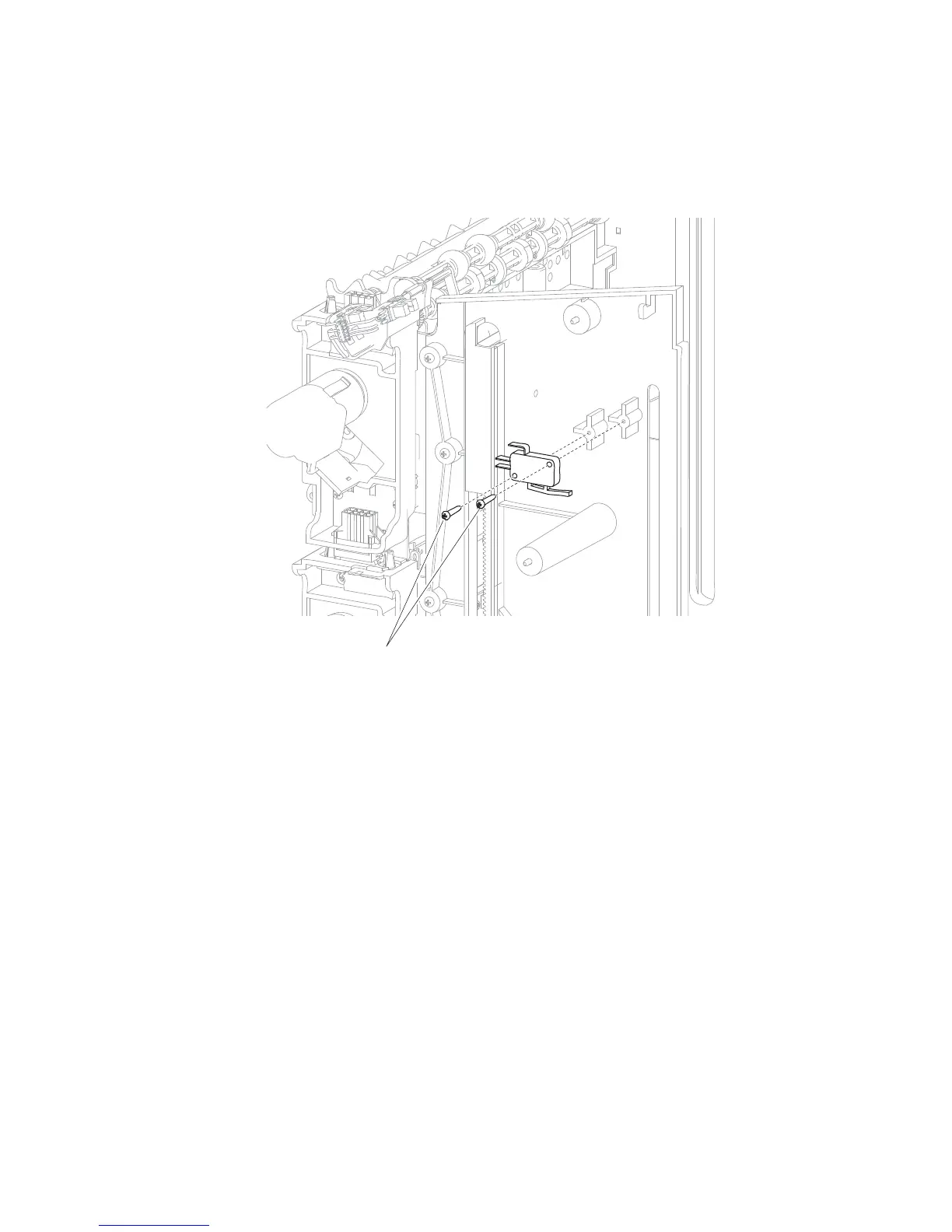
High capacity stacker switch (media bin HP) removal
1. Remove the high capacity stacker controller card cover panel. Go to “High capacity stacker controller
card cover panel removal” on page 4-138.
2. Remove the two screws (A) securing the high capacity stacker switch (media bin HP) to the left frame.
3. Disconnect the high capacity stacker switch (media bin HP) harness from the upper controller card.
4. Remove the high capacity stacker switch (media bin HP).















 To Next Page