Repair Information 4-167
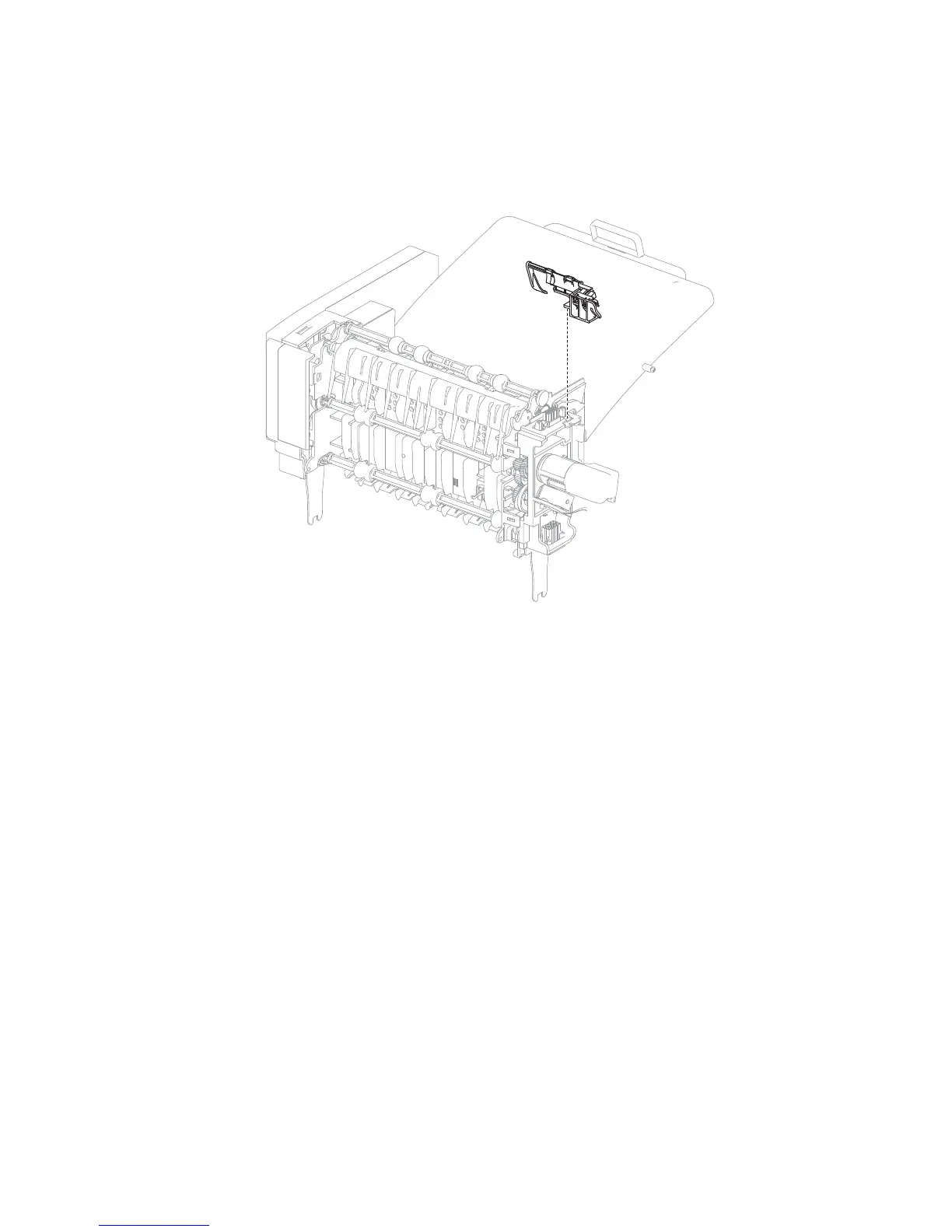
Output expander sensor (media bin full) bracket assembly removal
1. Remove the output expander left inner cover. Go to “Output expander left inner cover removal” on
page 4-163.
2. Grasp the sensor bracket and pull away from the option while releasing the tab.
3. If replacing the bracket, remove the sensors (media bin full) from the bracket.
Replacement Note: Be sure to replace the sensors in the correct order. Make sure their positions are not
switched.
Output expander controller card cover panel removal
1. Remove the output expander media output bin assembly. Go to “Output expander media output bin
assembly removal” on page 4-165.















 To Next Page