Repair Information 4-11
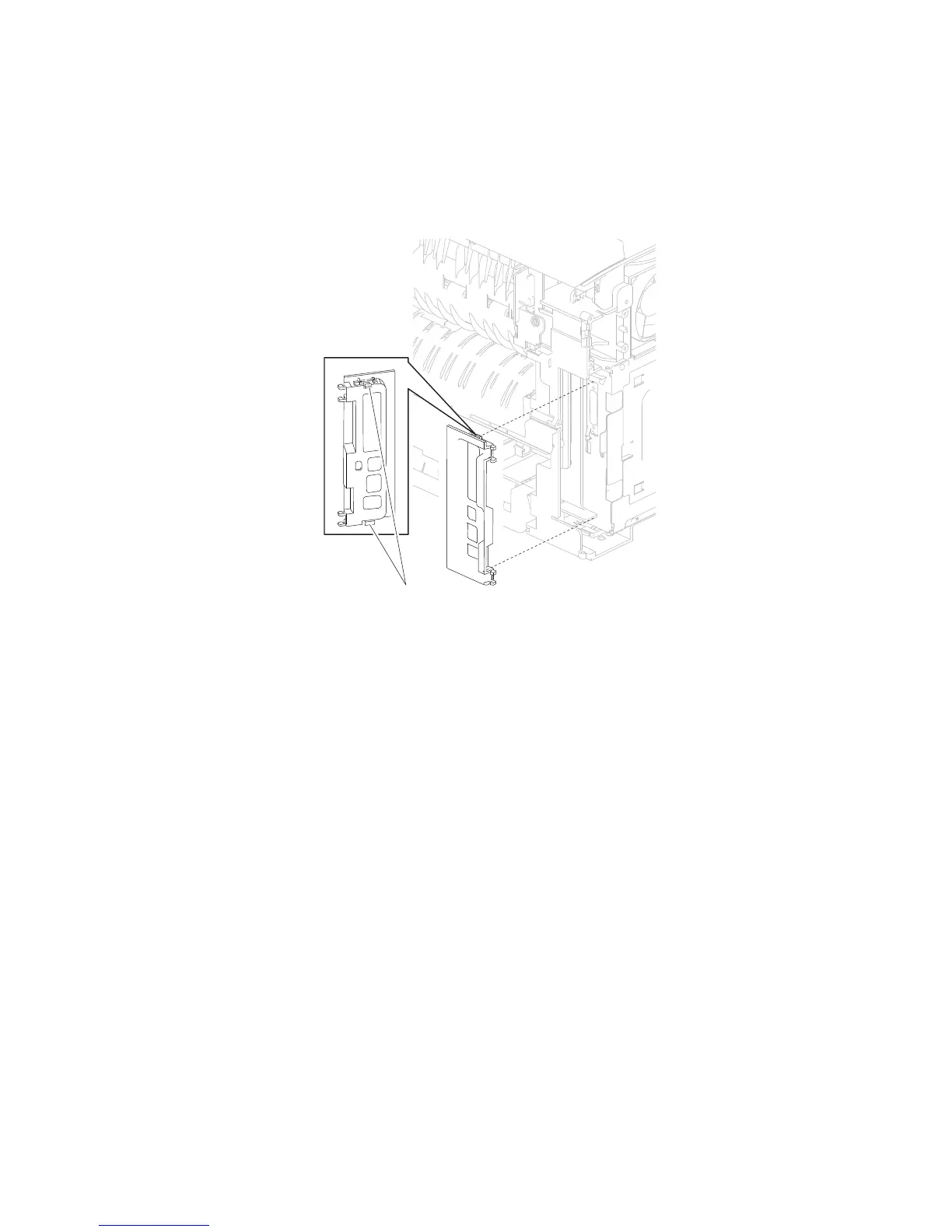
3. Release the two hooks (A) securing the connection bezel assembly, rear to the machine.
4. Remove the connection bezel assembly, rear.
Connection bezel assembly, rear removal (5350dn and 5530dn)
1. Remove the side cover, left. Go to “Side cover, left removal (5350dn, 5530dn, and T656)” on page 4-67.
page 4-12.
2. Remove the cover assembly, rear lower. Go to “Cover assembly, rear lower (5350dn and 5530dn)” on















 To Next Page