Repair Information 4-23
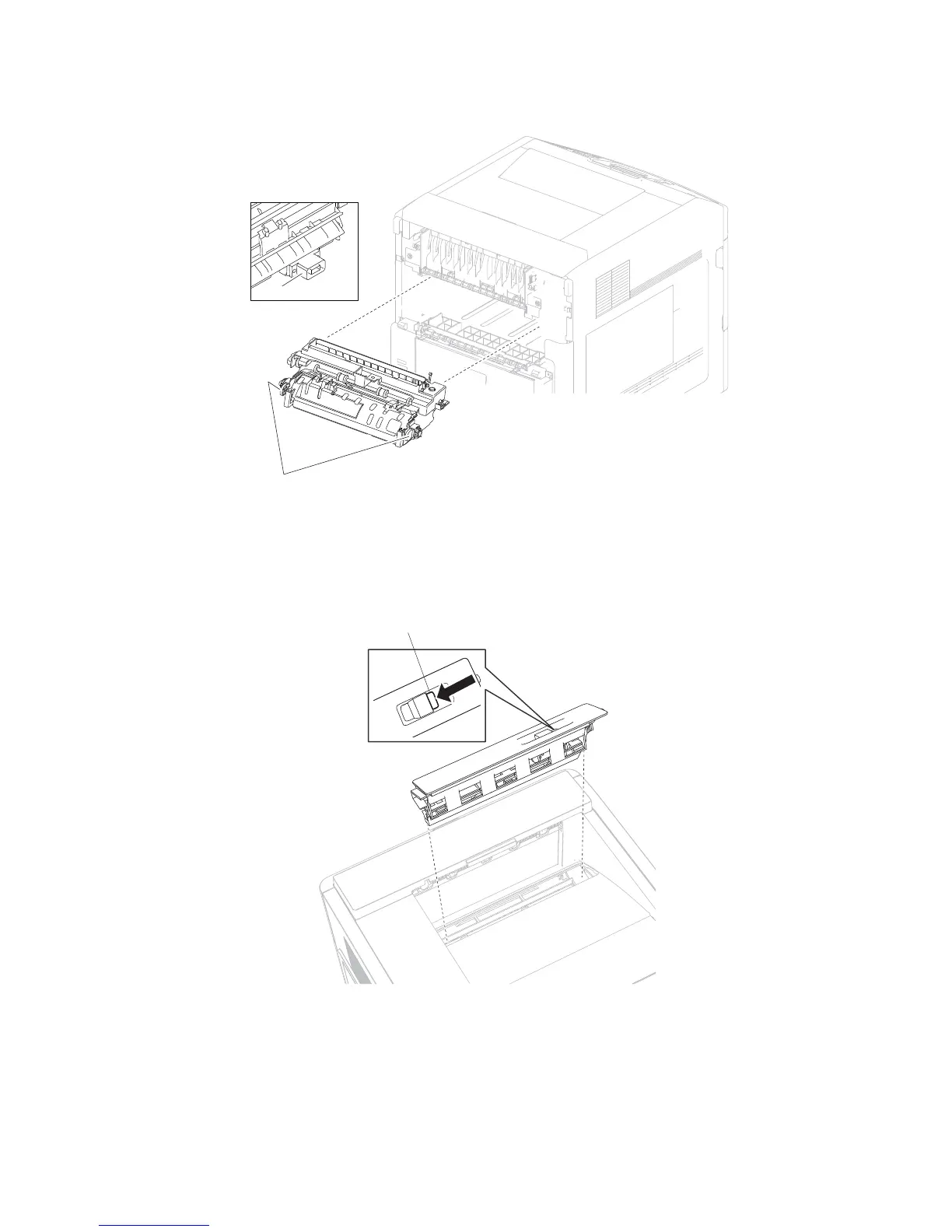
5. While pressing the two buttons (A), pull the fuser unit assembly from the machine.
Replacement Warning: When replacing the fuser unit assembly, ensure that the electrical connection (B) and
the two buttons (A) are properly secured.
Fuser wiper cover assembly removal
1. Press the button (A) securing the fuser wiper cover assembly to the machine.
2. Remove the fuser wiper cover assembly.
B















 To Next Page