4-82 Service Manual
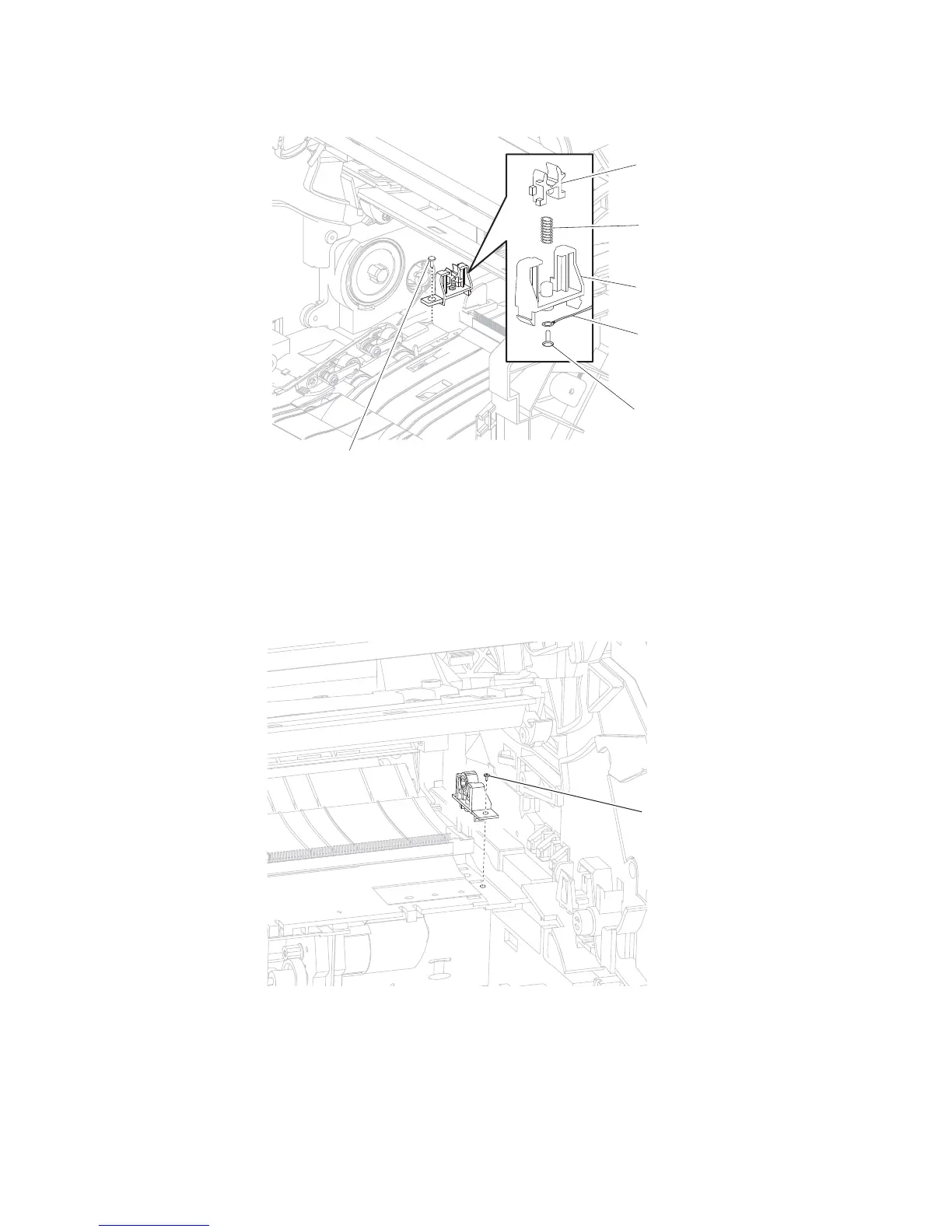
9. Remove the ground wire (F).
Replacement Warning: When reinstalling the transfer roll bracket assembly, left, ensure that the bushing (C),
spring (D), and ground wire (F) are properly replaced.
Transfer roll bracket assembly, right removal
1. Remove the transfer roll assembly. Go to “Transfer roll assembly removal” on page 4-80.
2. Remove the inner deflector. Go to “Inner deflector removal” on page 4-24.
3. Remove the screw (A) securing the transfer roll bracket assembly, right to the machine.
4. Remove the transfer roll bracket assembly, right.















 To Next Page