Repair Information 4-181
SFP stapler assembly tamper drive motor assembly removal
1. Remove the top cover. Go to “SFP stapler assembly top cover removal” on page 4-175.
2. Pull slack in the tamper drive belt and remove the belt from the tamper drive belt pulley.
3. Disconnect the tamper driver motor harness from the controller card.
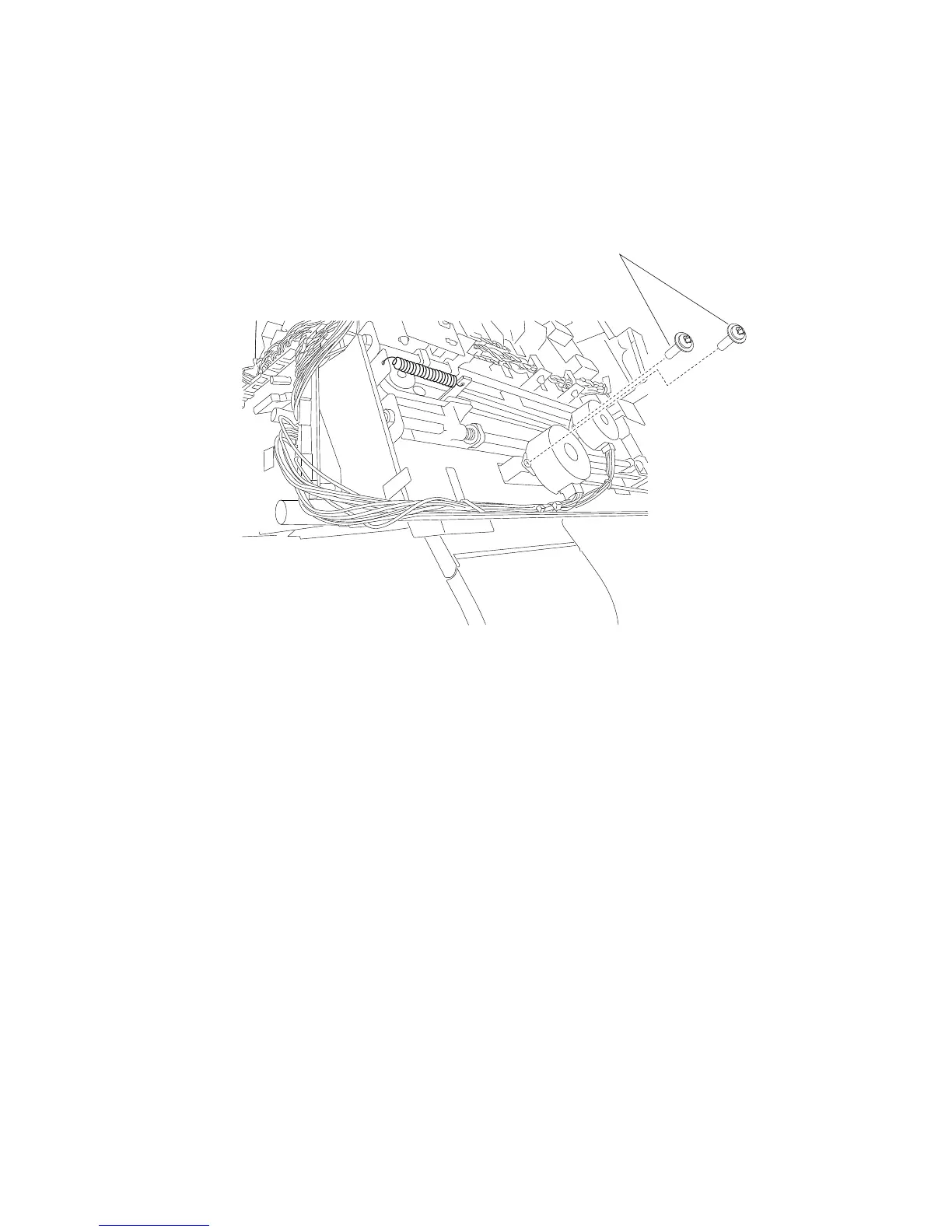
4. Remove the two screws (A) securing the tamper drive motor assembly to the tamper frame.
5. Remove the tamper drive motor assembly.















 To Next Page