Repair Information 4-19
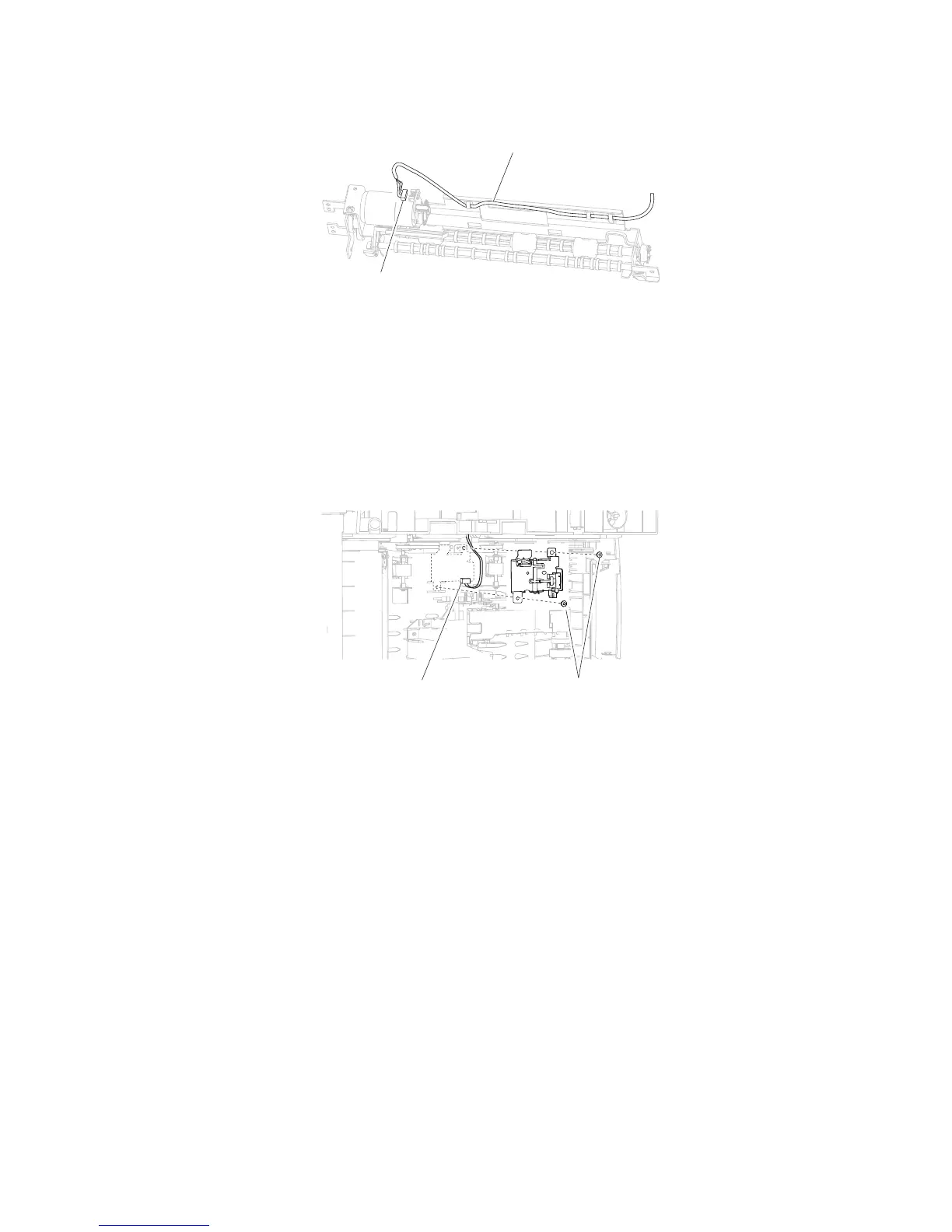
7. Remove the harness (E) from the duplex drive motor assembly.
Replacement Warning: When replacing the duplex drive motor assembly, ensure that all harnesses are
properly re-routed.
Replacement Note: Ensure the belt is replaced properly.
1. Remove the media tray.
2. Gently place the printer on its left or right side.
3. Disconnect the connection (A) from the duplex input sensor assembly.
4. Remove the two screws (B) securing the duplex input sensor assembly to the machine.
5. Remove the duplex input sensor assembly.
Duplex input sensor assembly removal (5350dn, 5530dn, and T656)















 To Next Page