Repair Information 4-191
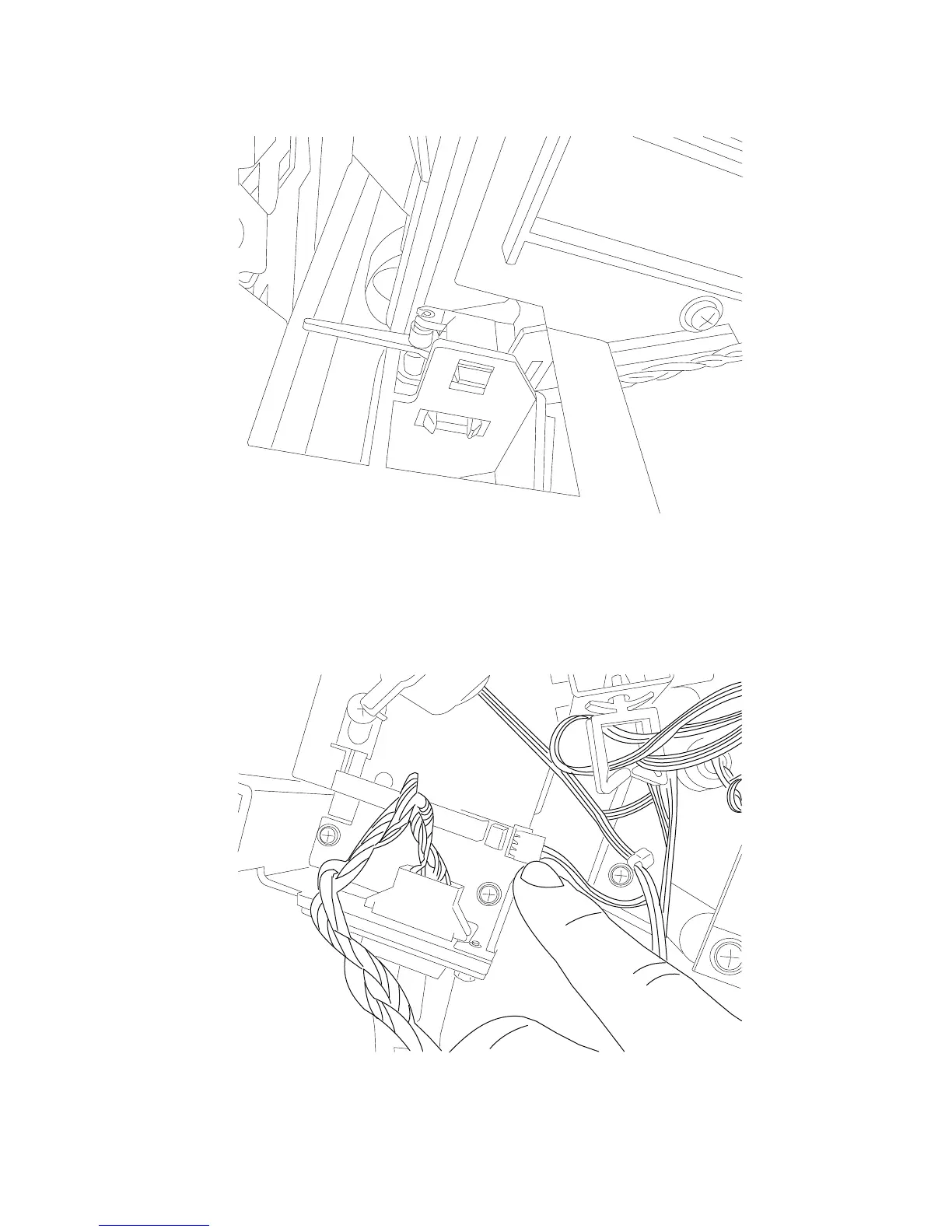
3. Using needlenose pliers, carefully grip the sensor and pull it out and disconnect the harness.
Replacement Notes: Using needlenose pliers, place the rear most tab in the sensor bracket first. Then push
on the rear face of the sensor until the other two tabs snap into place.
SFP stapler assembly sensor (deflector HP) removal
1. Remove the left cover. Go to “SFP stapler assembly left cover removal” on page 4-174.
2. Disconnect the harness to the sensor (deflector HP).















 To Next Page