4-124 Service Manual
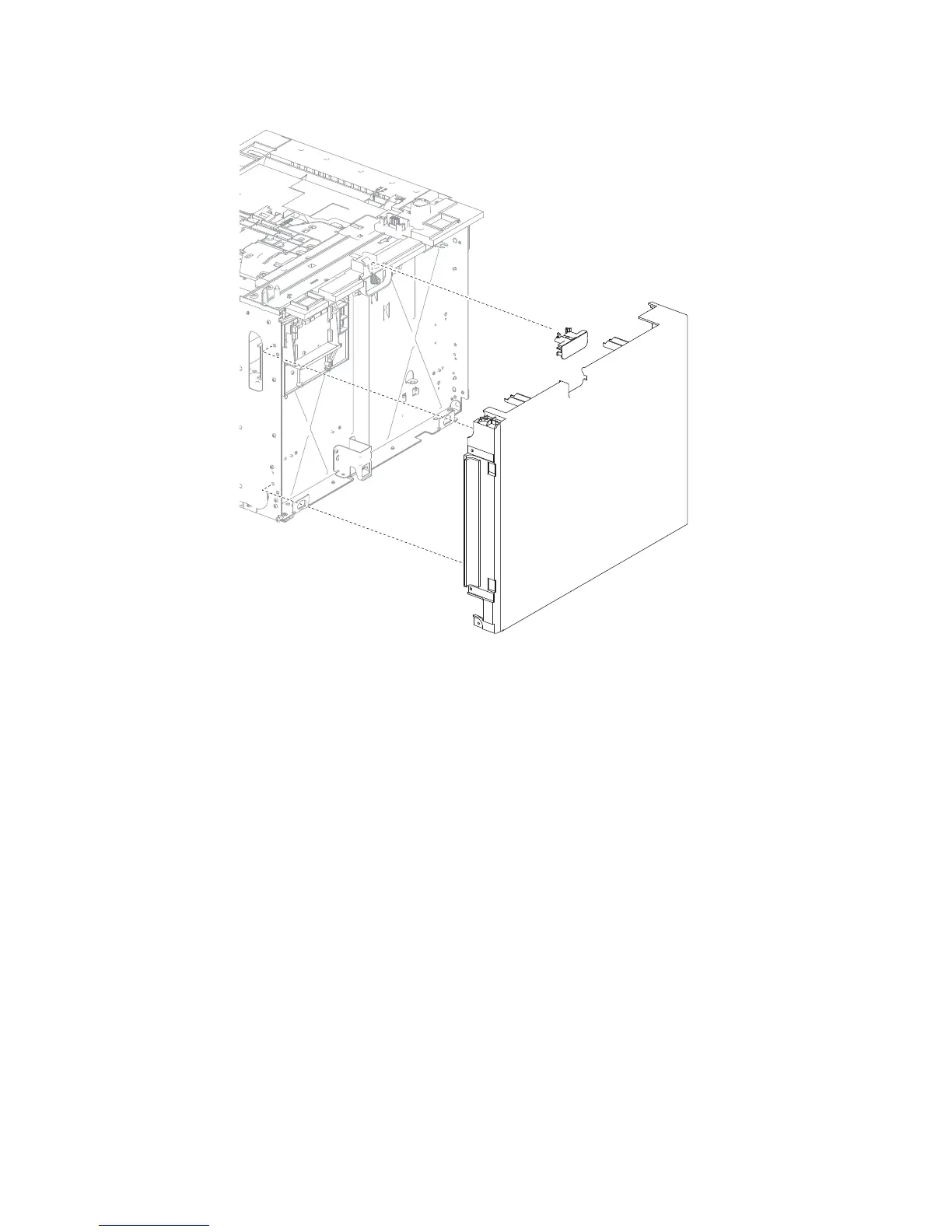
3. Remove the HCIT cover, left.
High capacity input tray (HCIT) anti-tip latch assembly removal
Note: Carefully remove the base machine from the HCIT tray assembly before proceeding.
The left and right anti-tip latch assemblies are the same, and only one is in a package. The instructions below
are for removing the left latch; removing the right latch has similar instructions.















 To Next Page