Repair Information 4-45
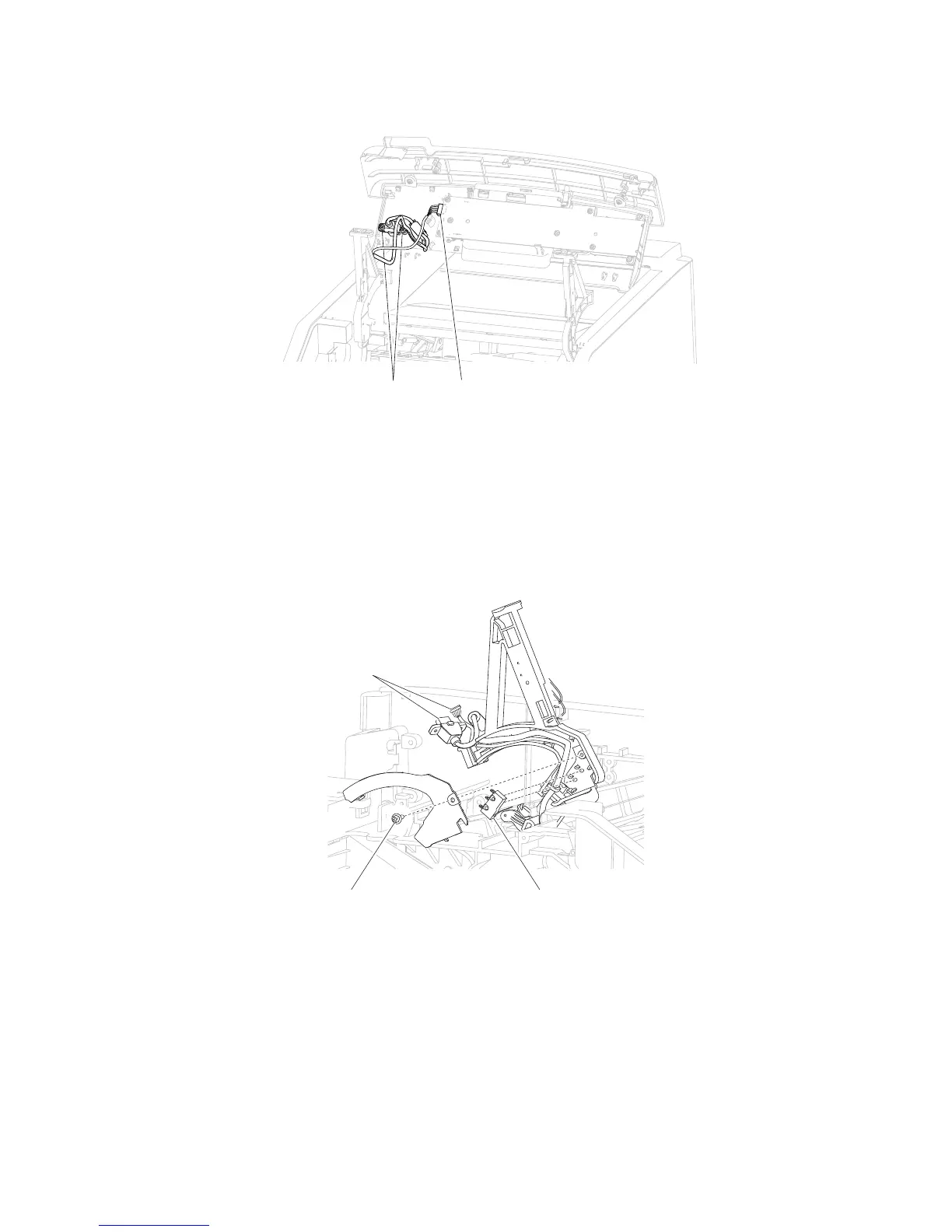
8. Disconnect the connector (D) from the assembly.
2. Remove the screw (A) securing the cover to the operator panel hinge assembly, left.
3. Remove the cover.
4. Detach the switch (B) from the operator panel hinge assembly, left.
5. Remove the harnesses (C) from the operator panel hinge assembly, left.
6. Detach the spring (D) from the operator panel hinge assembly, left.
7. Detach the spring (E) from the operator panel hinge assembly, left.
8. Remove the E-clip (F) from the operator panel hinge assembly, left.
C
Operator panel hinge assembly, left removal (5230n/dn, 5350dn, and 5530dn)
5350dn, and 5530dn)” on page 4-43.
1. Remove the operator panel door assembly. Go to “Operator panel door assembly removal (5230n/dn,















 To Next Page