4-162 Service Manual
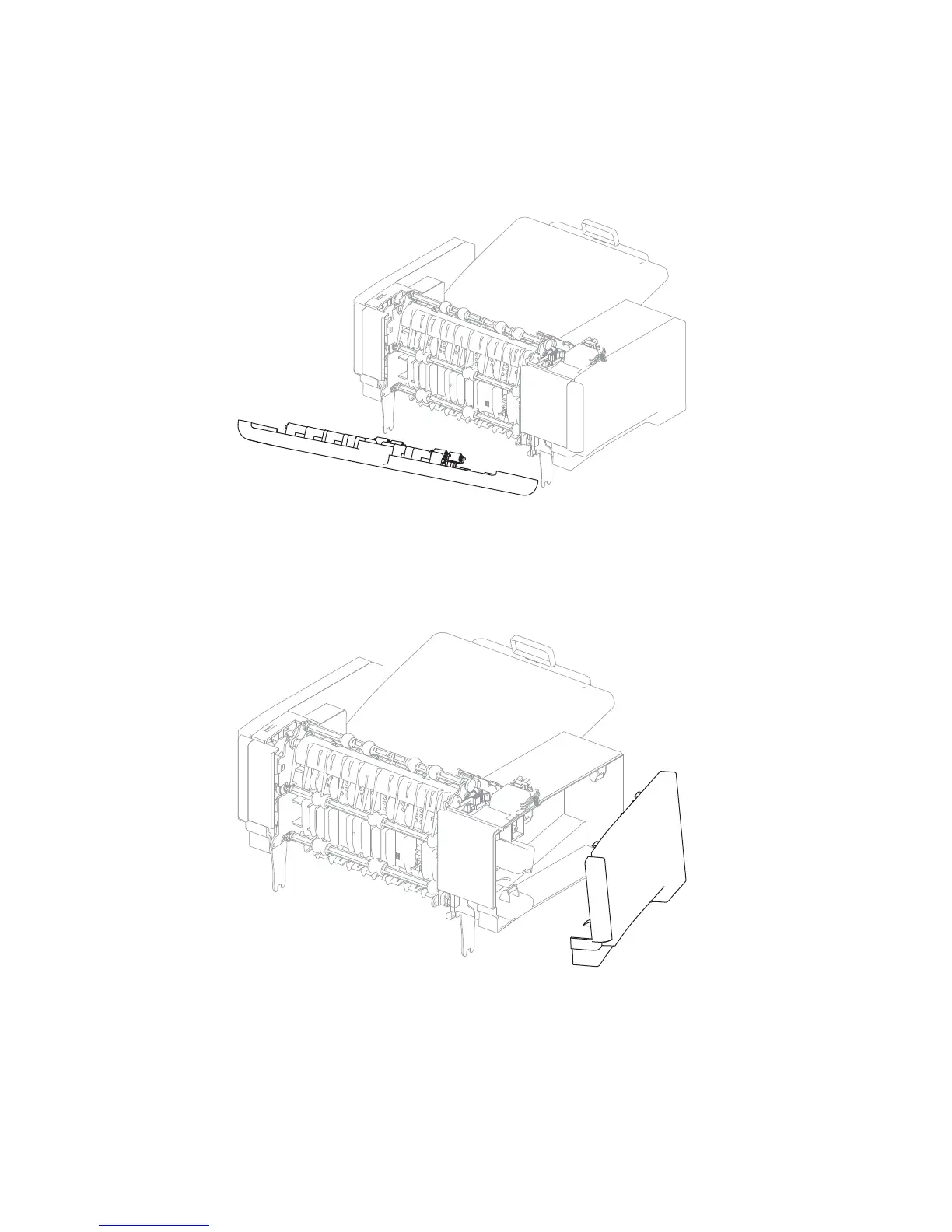
Output expander rear door assembly removal
1. Open the rear door assembly.
2. Hold the door to approximately 45° angle, and force out the left hinge and slide the right hinge out to remove
the door.
Output expander left outer cover removal
1. Remove the output expander rear door assembly. Go to “Output expander rear door assembly removal”
on page 4-162.
2. Grasp the lower rear corner of the left outer cover and pull out to remove.















 To Next Page