4-66 Service Manual
page 4-12.
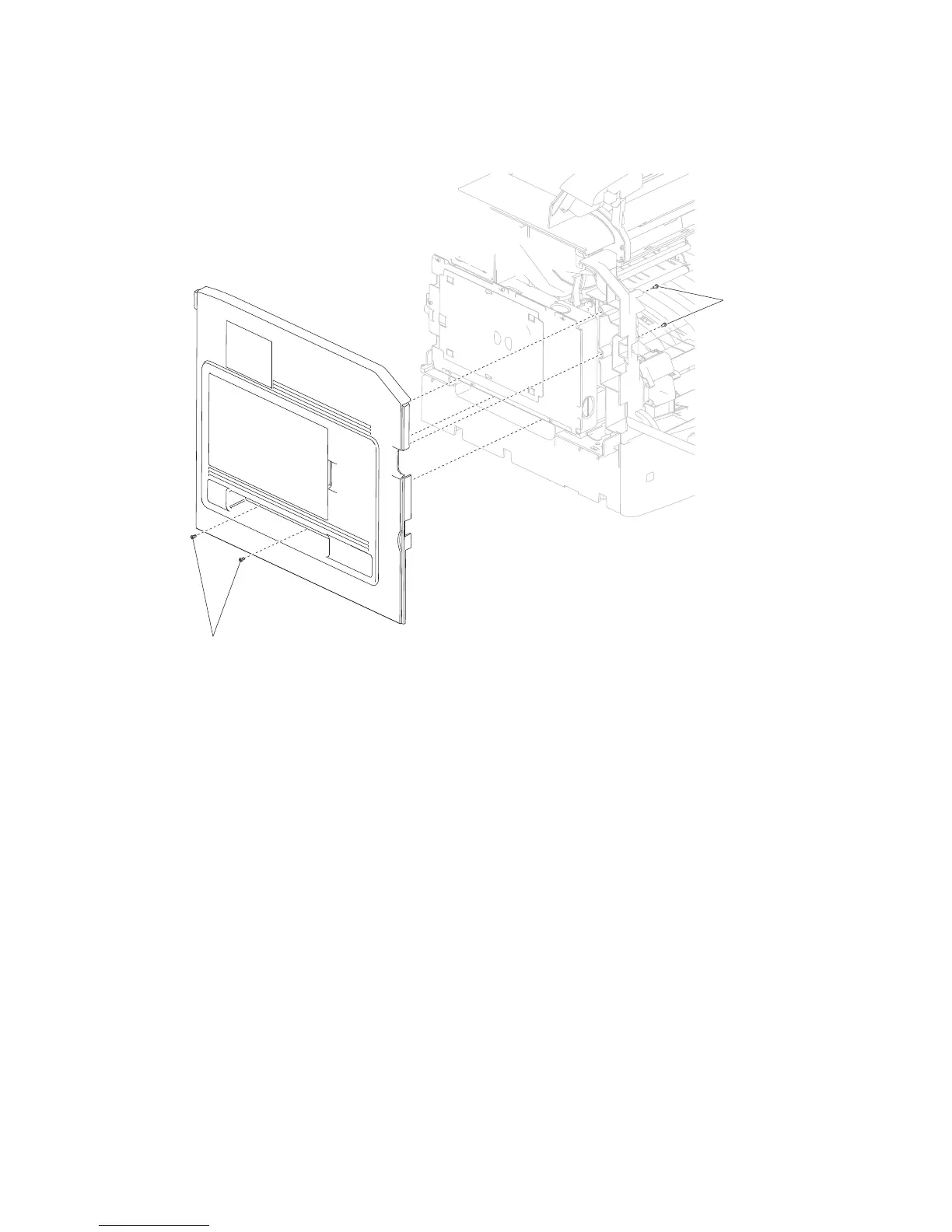
4. Remove the four screws (A) securing the side cover, left to the machine.
5. Swing the side cover, left away from the machine.
6. Remove the side cover, left.
3. Remove the cover assembly, rear lower. Go to “Cover assembly, rear lower removal (5230n/dn)” on















 To Next Page