Diagnostic aids 3-11
2. Reload RFID media in Tray 2 with the RFID media that was just printed in step 1, and then press continue.
The test page will be printed.
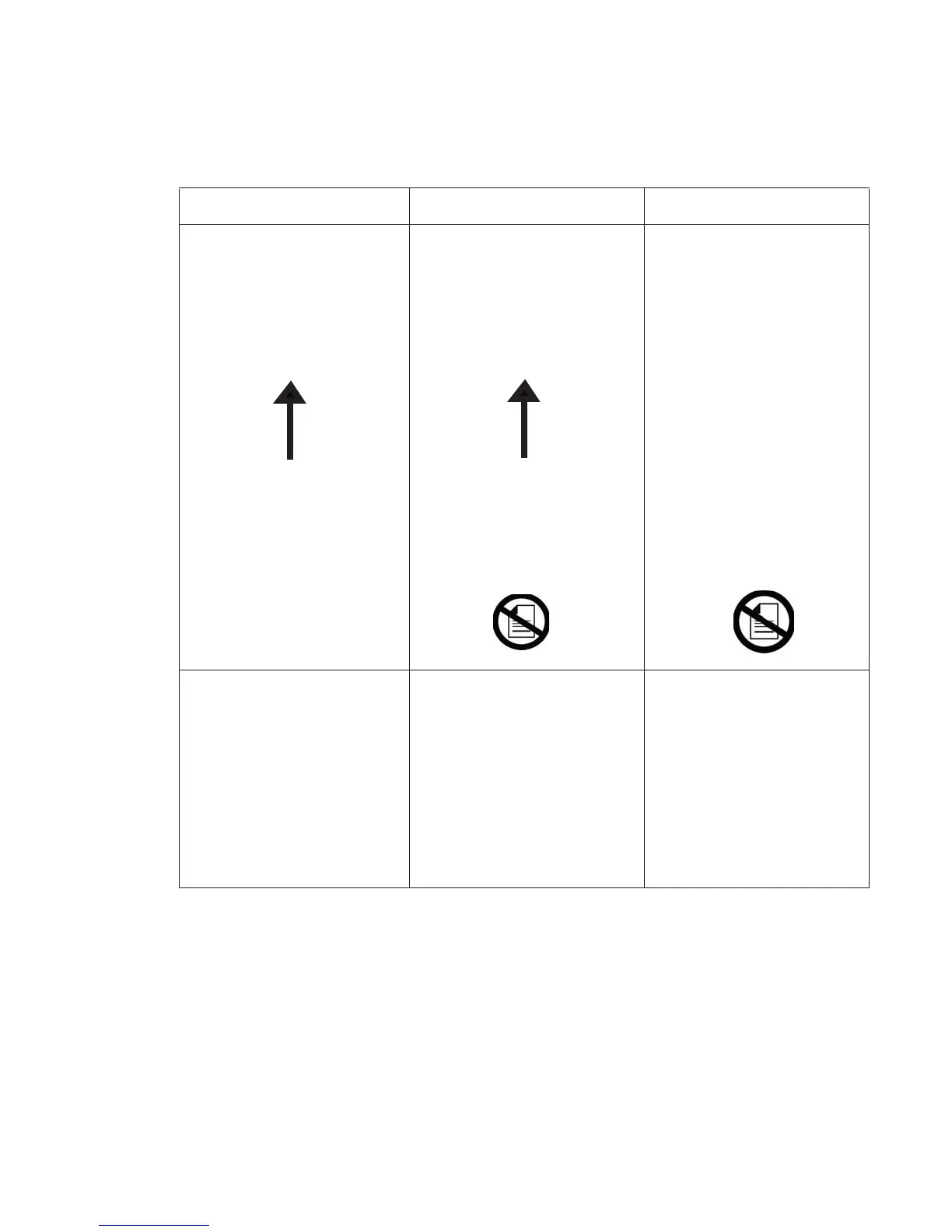
Note: The sheet should be placed face down with the arrow pointing toward the front of the printer.
If the page looks like this: If the page looks like this: If the page looks like this:
Then step 2 of the test passed.
Proceed to step 3
Then the test has failed.
This is an indication that the RFID
tag could not be read.
Possible causes:
1. Bad RFID media
2. RFID UHF option failure
Try the test again with a new piece
of RFID media. If the test fails
again, replace the RFID UHF
option.
Then the test has failed.
This is an indication that the RFID
tag could not be read because the
RFID sheet printed in step 1 was
not reloaded (or reloaded
incorrectly) for step 2.
Try the test again with a new piece
of RFID media and make sure the
sheet printed in step 1 is reloaded
into Tray 2 during step 2.
Step 1.
Step 1 is complete
2. Press Continue.
Step 2.
1. Place a sheet of plain paper i
2. Press Continue.
Step two is complete.
Step 1.
Step 1 is complete.
2. Press Continue.
Step 2.
1. Place a sheet of plain paper in Tray
Step two is complete.
Step 2.
1. Place a sheet of plain paper in Tray 2.
Step two is complete.
1. Place this sheet in Tray 2 face-down with the
arrow pointing toward the front of the printer
arrow pointing toward the front of the printe
1. Place this sheet in Tray 2 face-down with t
he
RFID Option Test
RFID Option Test
RFID Option Test
RFID Option Test
RFID Option Test















 To Next Page