7.5.17 Custom Zone Settings
To set the Custom Zone, tap the Add button on the Robot Workcell and select Custom Zone >
Cuboid, Cylinder, Multi-plane Box, Sphere, or Tilted Cuboid. The safety password is required
during setup and enablement.
1 Enter the Workcell Name in the Workcell Name field on the top of the Workcell Setting screen.
2 Set the pose information according to the Zone shape along with the Valid Space and Zone
Margin in the Geometry tab.
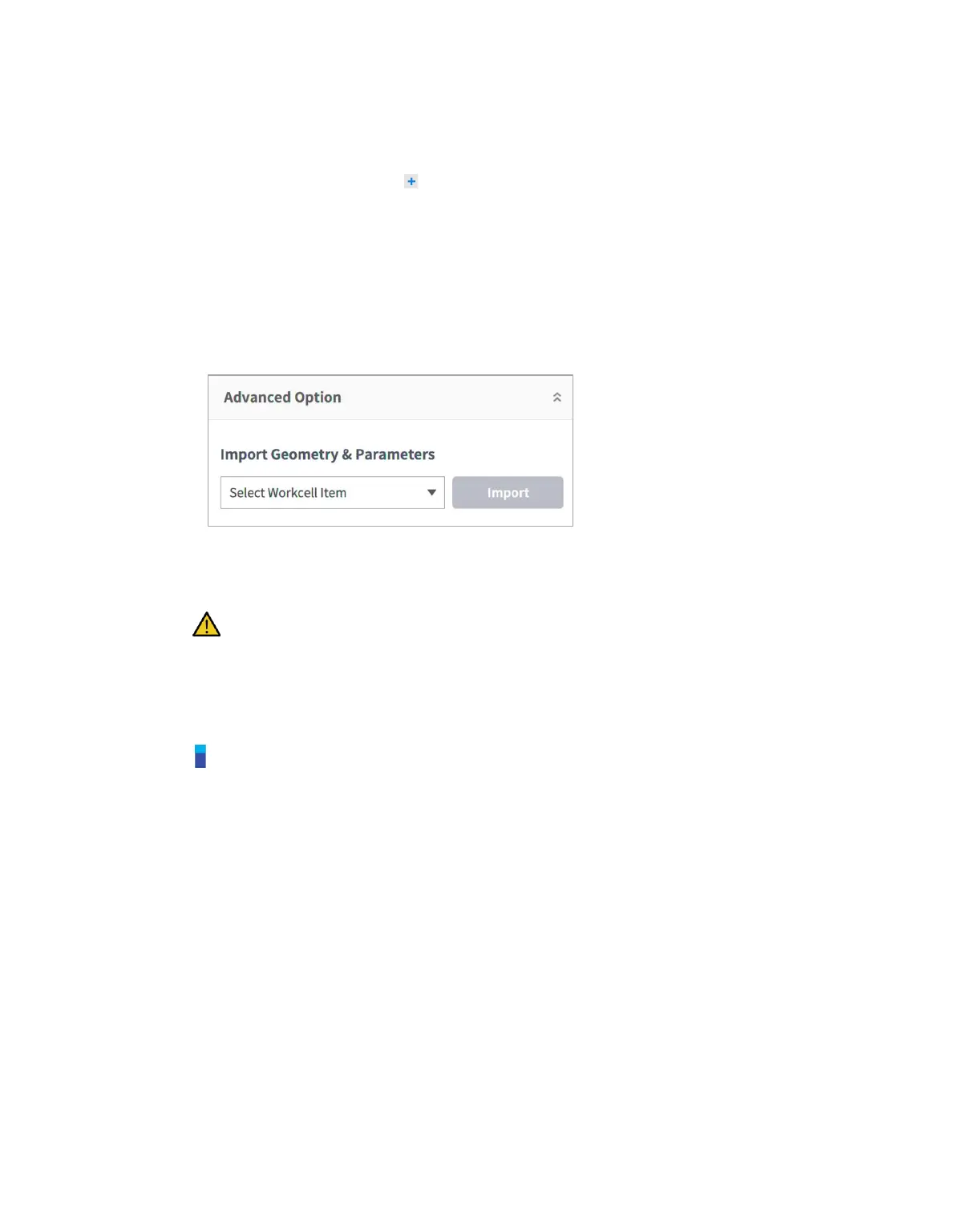
3 To import shape setting configurations from another Zone, select the Zone from Import
Geometry & Parameters in the Advanced Options and press Import.
4 Set the Priority Option, Override Option, TCP/Robot Limits, Safety Stop Modes, TCP
direction limit, Joint Speed Limits, Joint Angle Limits, and Dynamic Zone Enable in the
Parameters tab and press Draft.
Warning
High Priority Zones have priority over the other Zones and global Robot Limits setting. And If
multiple High Priority Zones are overlapped, the safety function uses the LEAST restricted
safety limit. For these reasons, the size of High Priority Zone should be specified as small as
possible for safety
Note
If the TCP is in a position where multiple Zones overlap, the following rules apply for each safety
fuction individually.
1) Normal Mode
◆ If there is no zone set as High Priority Zone, the most restricted limit among the limits
of overlapped Zones is selected as the safety limit for that position.
◆ If there is one Zone set as High Priority Zone, the limit of this Zone is selected as the
safety limit for that position.
◆ If there are two or more Zones set as High Priority Zone, the LEAST restricted
among the limits of overlapped Zones is selected as the safety limit for that position.
2) Reduced Mode
◆ If there is no zone set as a High Priority Zone, the most restricted limit among the
limits of overlapped Zones is selected as the safety limit for that position.
◆ If there is one Zone set as a High Priority Zone, the safety limit for that position
depends on Override Option.
⚫ If the Override Option is not checked, the most restricted limit between the limits
of High Priority Zone and Global Reduced Limit is selected.
⚫ If the Override Option is checked, the limit of High Priority Zone is selected.



 To Next Page