8.1.2 Template
A template is a bundle of skills that compose a work procedure used with a combination of Workcell
items when a particular Workcell item is registered. It is possible to easily create a task with the
settings of skills already in the template without worrying about the work process.
To create a new task using a template, follow these steps:
1 Tap the Template on the initial screen of Task Builder.
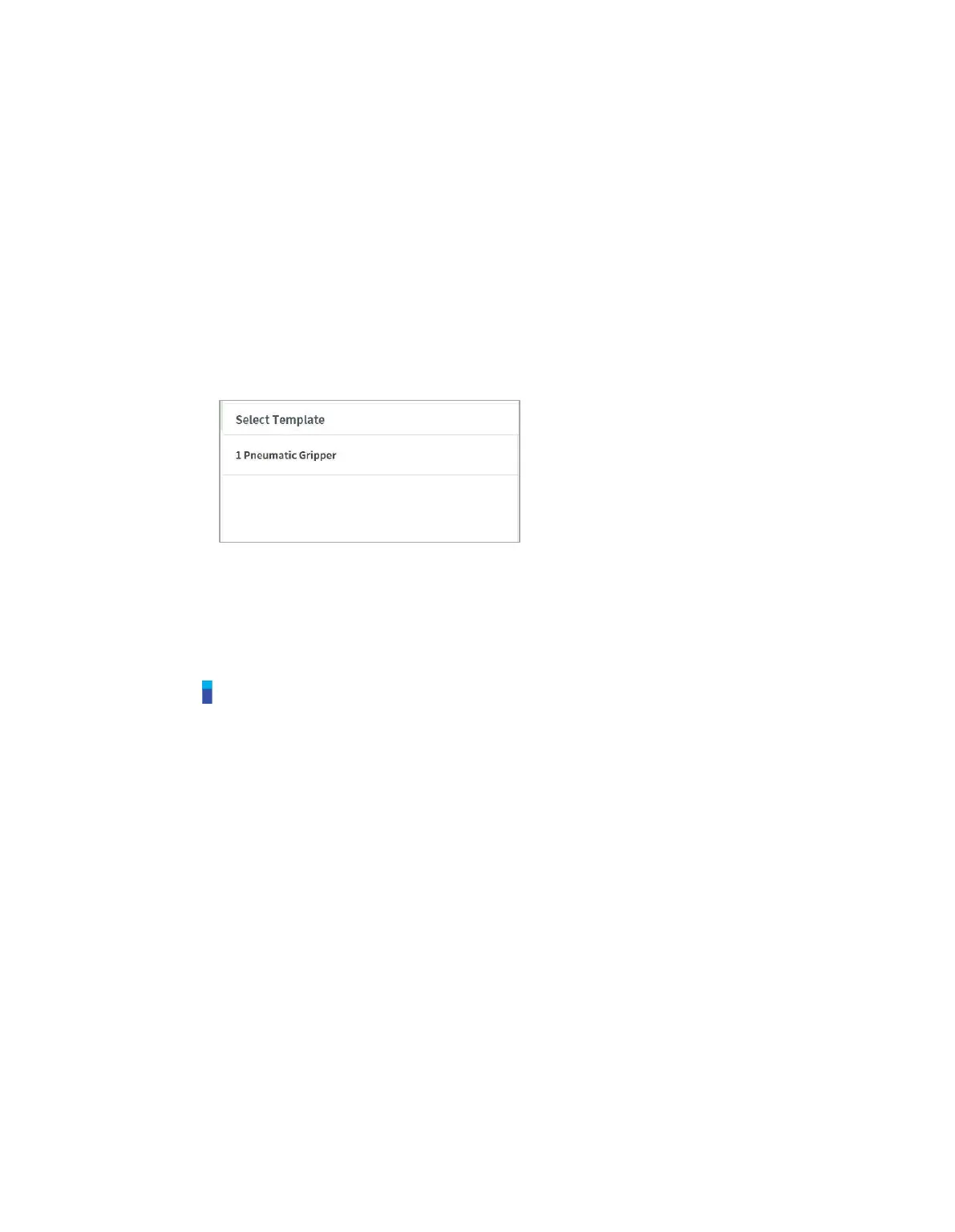
2 Select a template to use.
Available templates vary according to the Workcell Items registered in the Workcell
Manager. If no Workcell Item is registered in the Workcell Manager, no template will be
displayed.
3 Enter the name of the new task program in the File Name field.
4 Tap the Confirm button.
When a new task is created using a template, the task edit screen is displayed. For more information
on how to edit a task, refer to “8.4 Edit Task”
Note
Software version V2.7.3 does not support this function. The Template function will be updated
and offered in again in a new software version.



 To Next Page