10.5 Servo On
Servo On refers to the standby status where the robot arm can be operated by supplying power to
joints. Pressing the emergency stop button or violating critical safety limits sets the Servo Off status.
During servo off status, the power to joints is cut off, which results in the robot arm being unable to be
operated, and Workcell Manager, Task Builder, Task Writer and Jog, which are related to robot arm
operation, are disabled in the main menu.
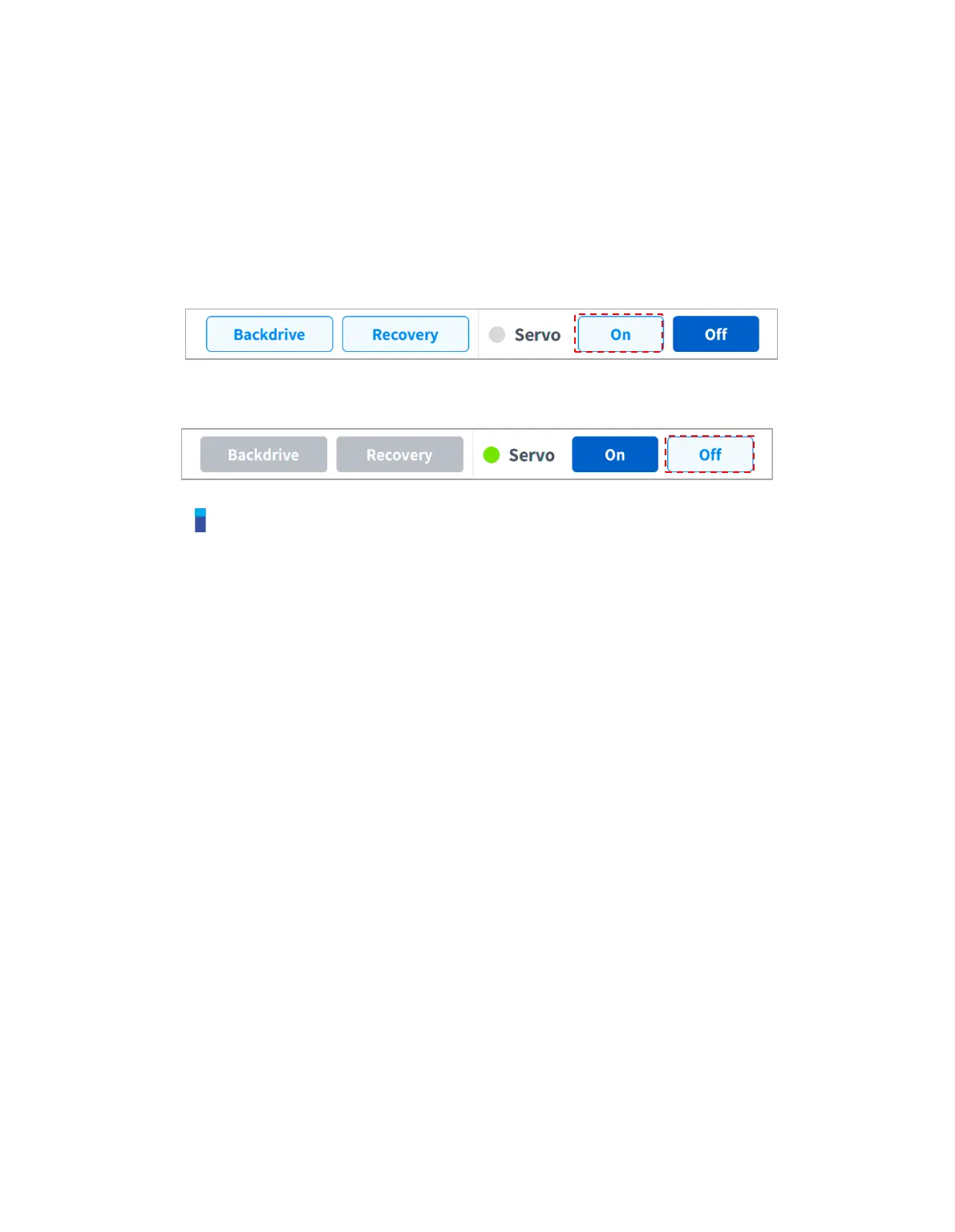
To change from Servo Off to Servo On, tap the Status button on the main menu and tap the Servo On
button on the top right.
To shift from Servo On to Servo Off, tap the Status button of the main menu and tap the Servo Off
button in the top right corner of the screen.
Note
In the Settings screen, if the safety signal I/O, POS_3_ENABLE_SWITCH, is set, Servo On is
available only if this signal is inputted.



 To Next Page