8.6.5 Multi-Segment (Waypoint) Setting
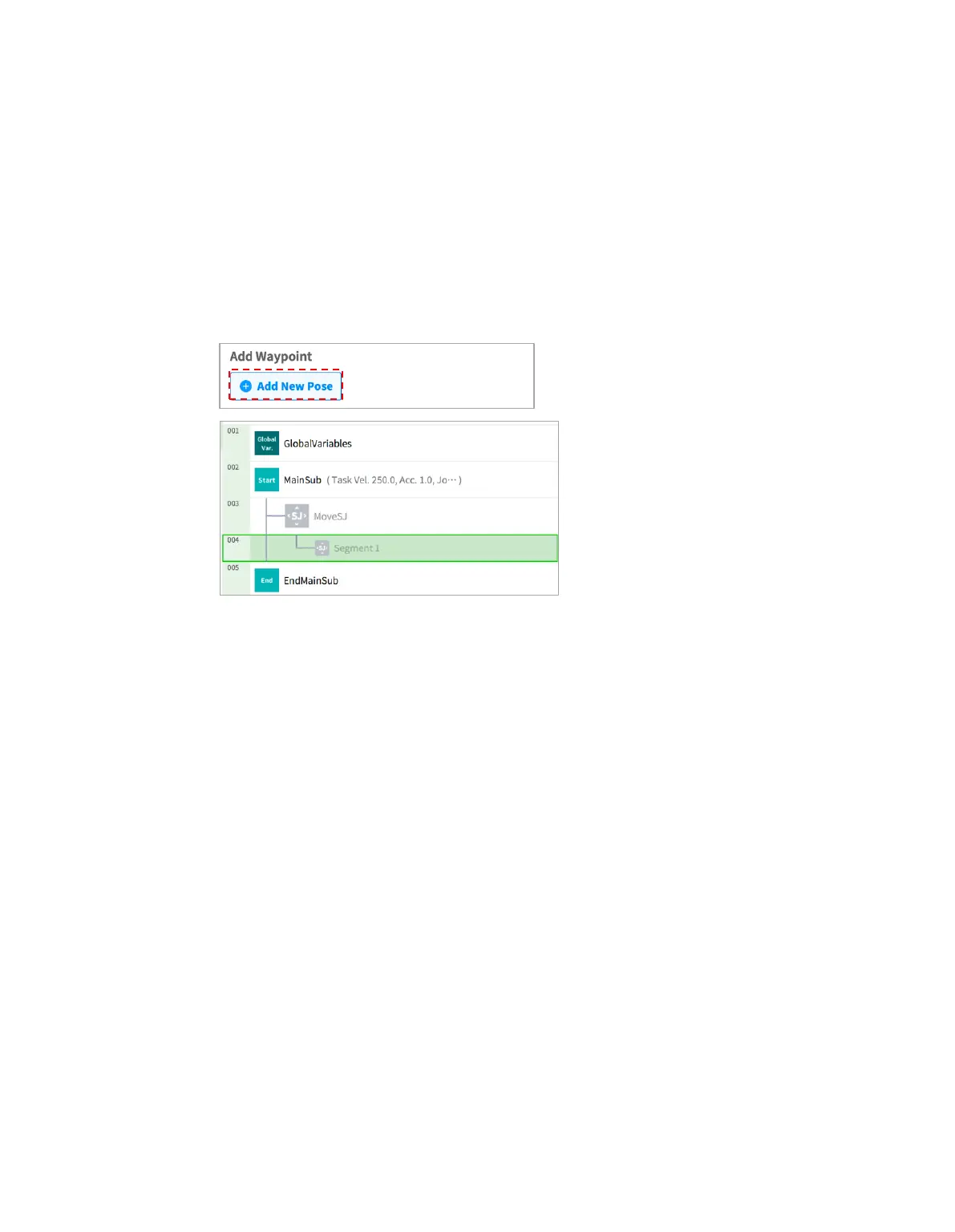
Depending on the motion command, it may be necessary to configure two or more waypoints. Each
waypoint is referred to as a segment, and adding a waypoint will add a line at the bottom of the
command. The motion commands requiring two or more segments are referred to as “multi-segment
motion commands.”
The following is an example of configuring a Move SJ command.
1 Tap Add Pose in command properties.
Segment 1 is added to the bottom line of Move SJ command.
2 Either use the jog function or perform direct teaching to move the tool to the desired position.
3 Tap the Save Pose button in segment properties to save the robot tool position.
4 Repeat steps 1-3 to add segments.



 To Next Page