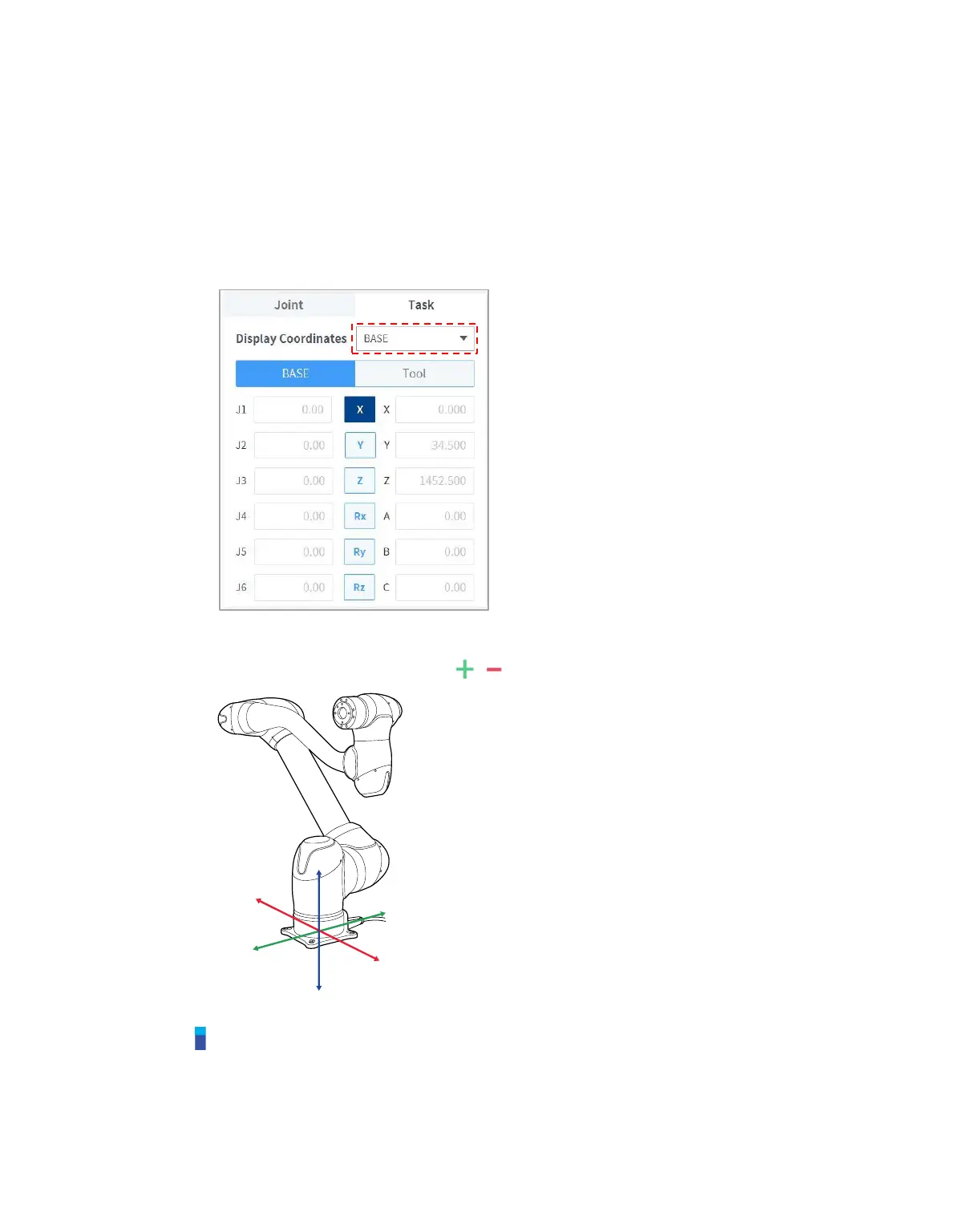
11.1.2 Execute based on Robot Base
To move the robot based on the robot base, follow these steps:
1 Select the Task tab on the Jog screen.
2 Select the display coordinates to be used as the base and select the Base as the reference point
of the task coordinates.
3 Select the Base Coordinates to move.
4 Press and hold the Direction Button ( , ) to move the corresponding axis.
Note
Safety area does not apply in virtual mode.



 To Next Page