12.3.4 Smart Pendant Setting
Smart Pendant setting is a screen to set the functions provided as options of A-Series.
1 Select the Smart Pendant Setting menu in the Robot Setting menu.
The current setting information is displayed in the setting management window.
2 Set the Use Smart Pendant toggle to ON.
If the system is restarted with the use Smart Pendant set to ON, it boots up in remote
control mode.
3 Select Task
It is the task to be used in Smart Pendant mode.
4 Click the Confirm button and click the Start Smart Pendant button.
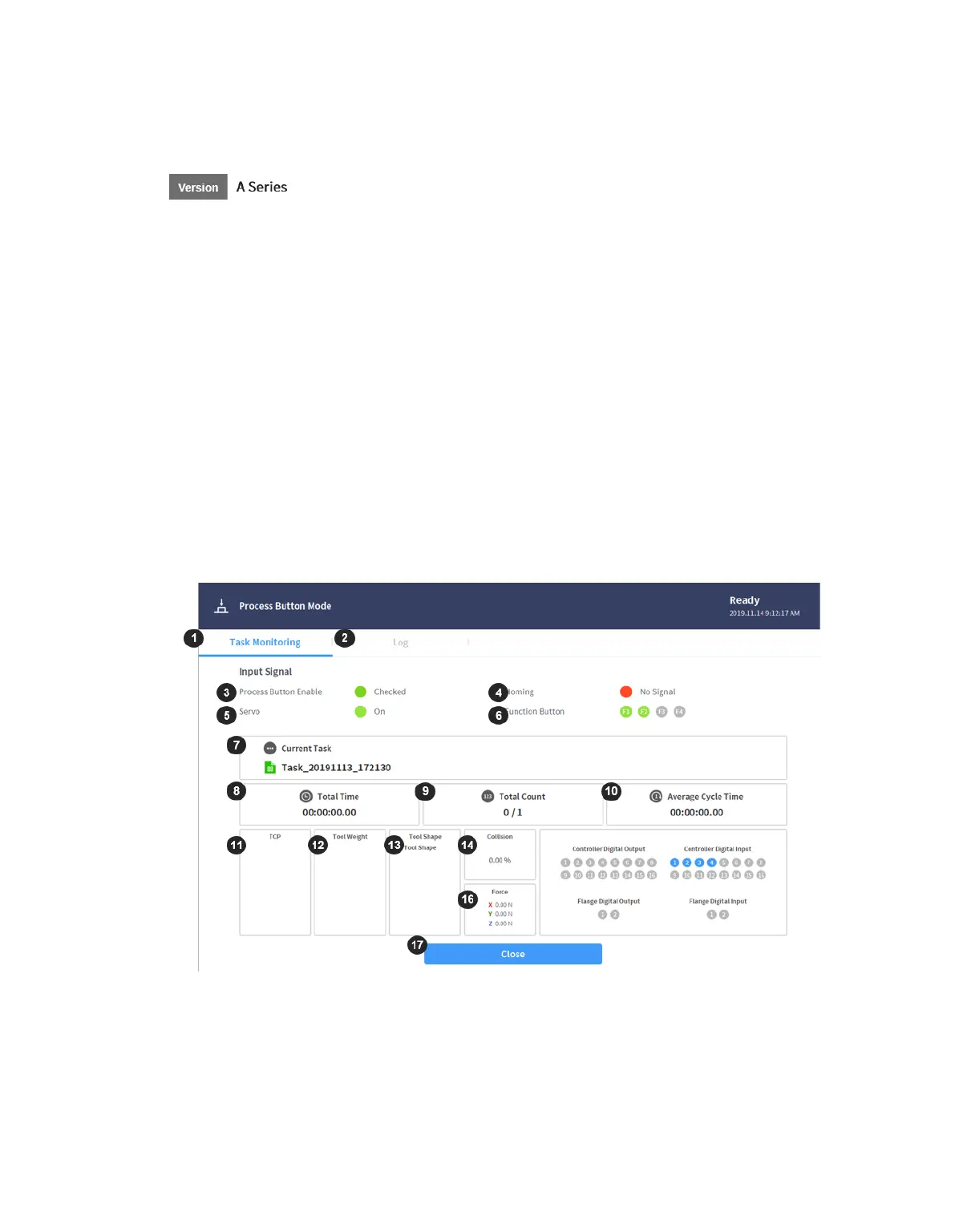
The Smart Pendant dashboard screen is displayed and commands using Smart Pendant
become available.
When the Smart Pendant mode launches from Windows, the teach pendant screen also
changes to the Smart Pendant screen.



 To Next Page