3. Starting Up the Robot
3.1 System Power-Up
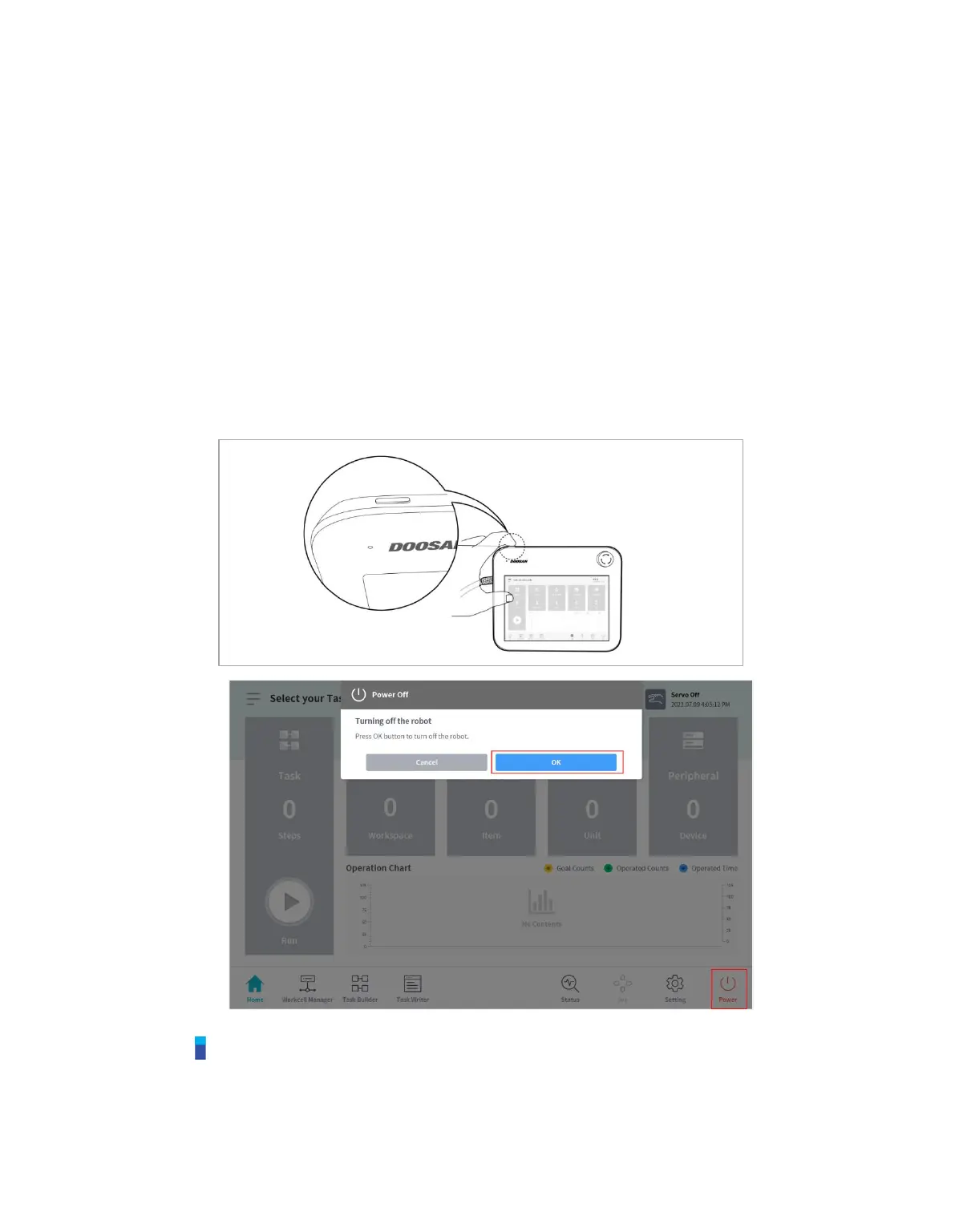
Press and hold the power button on the upper left of the teach pendant.
• The power for systems such as the robot, controller and teach pendant is turned on.
• Once the system is powered on, the LED indicator for the robot lights up.
• Press the shutdown button on the teach pendant or press and hold the power button on the
upper left of the teach pendant for 2 seconds.
1. The shutdown popup is displayed on the screen.
2. Press the OK button on the shutdown popup to properly shutdown the system.
Note
If the system does not power up, check the power switch at the bottom of the controller.



 To Next Page