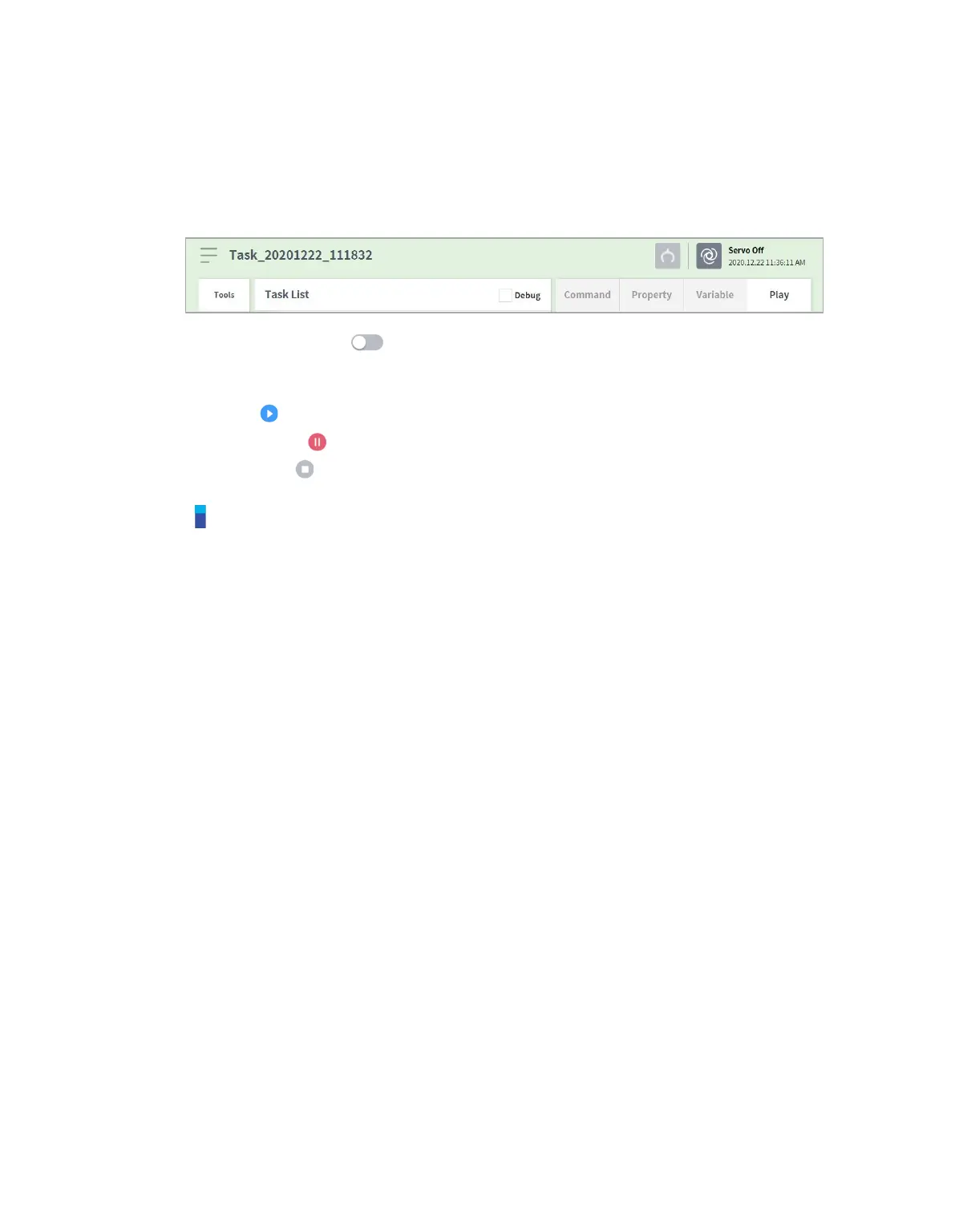
8.8.4 Execute Task
It is possible to test the task being created by executing it. To execute a task, follow these steps:
1 Select the Play tab.
2 Tap the Real Mode ( ) button.
3 Drag the speed slider to set the robot speed.
4 Press to execute the task.
Pause ( ): Pauses the task currently being executed.
Stop ( ): Stops the task currently being executed.
Note
If Real mode is off, execution is made only in virtual mode where the robot is only operated in
the simulator.
When Real mode is turned on, a status display showing the I/O status appears.
When executing a task program in virtual mode, it is only executed once regardless of the
setting, and diverging through I/O signal within the task does not execute properly.
Tool center position and tool weight information on the play information screen are only
displayed properly when the Set TCP command is executed or the tool center position and
weight of the jog are set.
Commands that had issues occur during program execution are highlighted with orange.



 To Next Page