12.11 Screen Saver Mode Setting
If the teach pendant is not used for a set amount of time, the system enters screen saver mode.
• The robot can enter screen saver mode even if it is operating in Auto mode.
• Tap the Return button on the screen saver to return to the previous screen.
To configure the screen saver mode, follow these steps:
1 Tap the Settings button on the main menu and select Screen Saver.
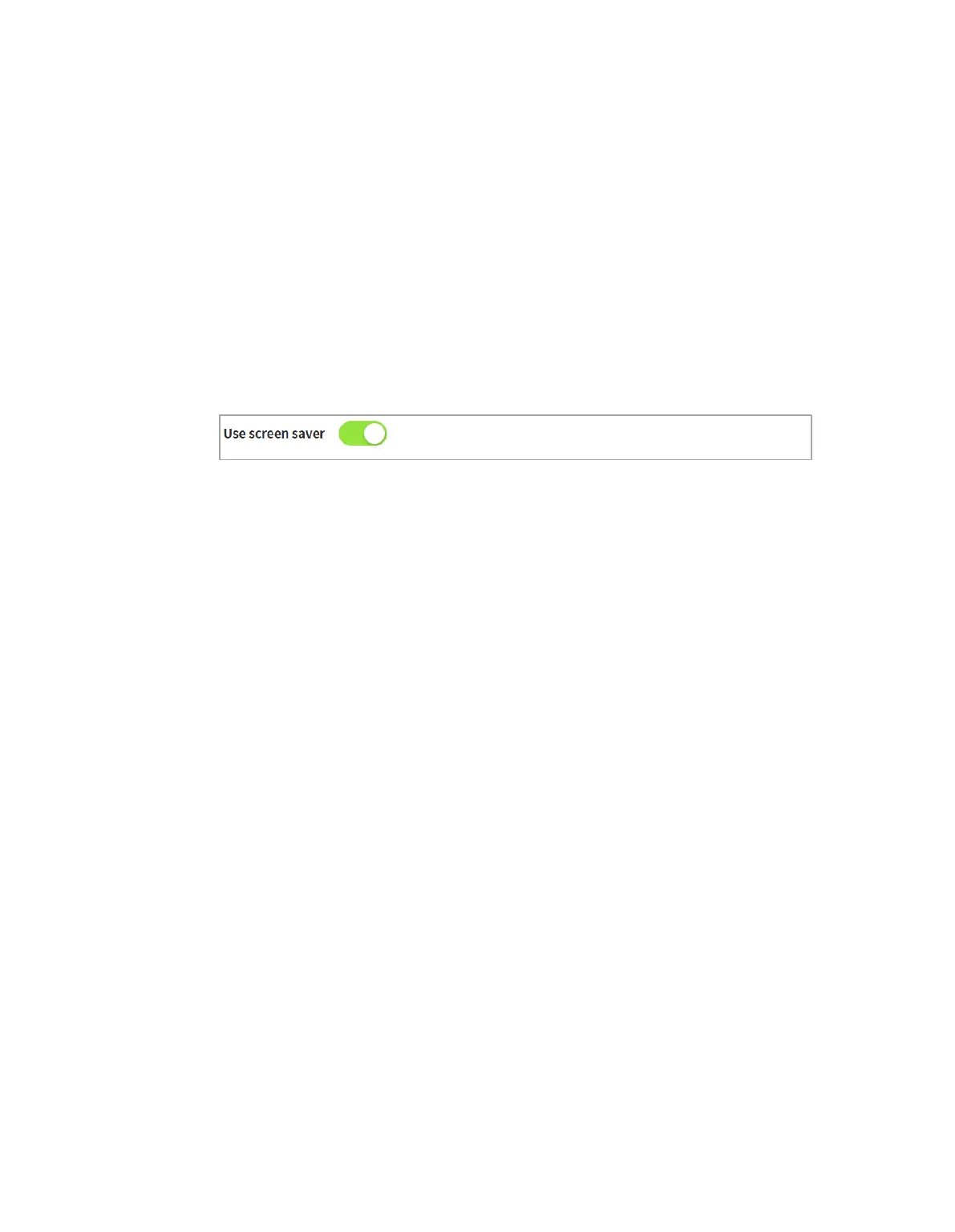
2 Screen saver use can be configured in the Screen Saver Setting screen.
The default setting is Use Screen Saver.
3 This configures the time required to elapse before entering the screen saver mode.
Default: 5 minutes
Minimum Time: 1 minute
Maximum Time: 24 hours (1440 minutes)
4 Tap the Confirm button.



 To Next Page