3.3 Booting and Disengaging Packing Position
3.3.1 System Booting
After the system is powered on, the system boots up. When booting is complete, the system
application is displayed on the teach pendant. For more information about the system application, refer
to “5 System Operation Program Outline”.
Note
Servo On: In order to move the robot’s pose, the robot must be in servo on status where power
is supplied to joints of the robot and the robot is on standby. For more information about servo
on, refer to “10.5 Servo On.”
Date and Time Setting: The date and time displayed on the teach pendant and the log
message saved on the robot follow the date and time setting of the system, so the date and
time must be configured at initial boot up. For information regarding how to configure the date
and time, refer to “12.2 Date and Time Setting”.
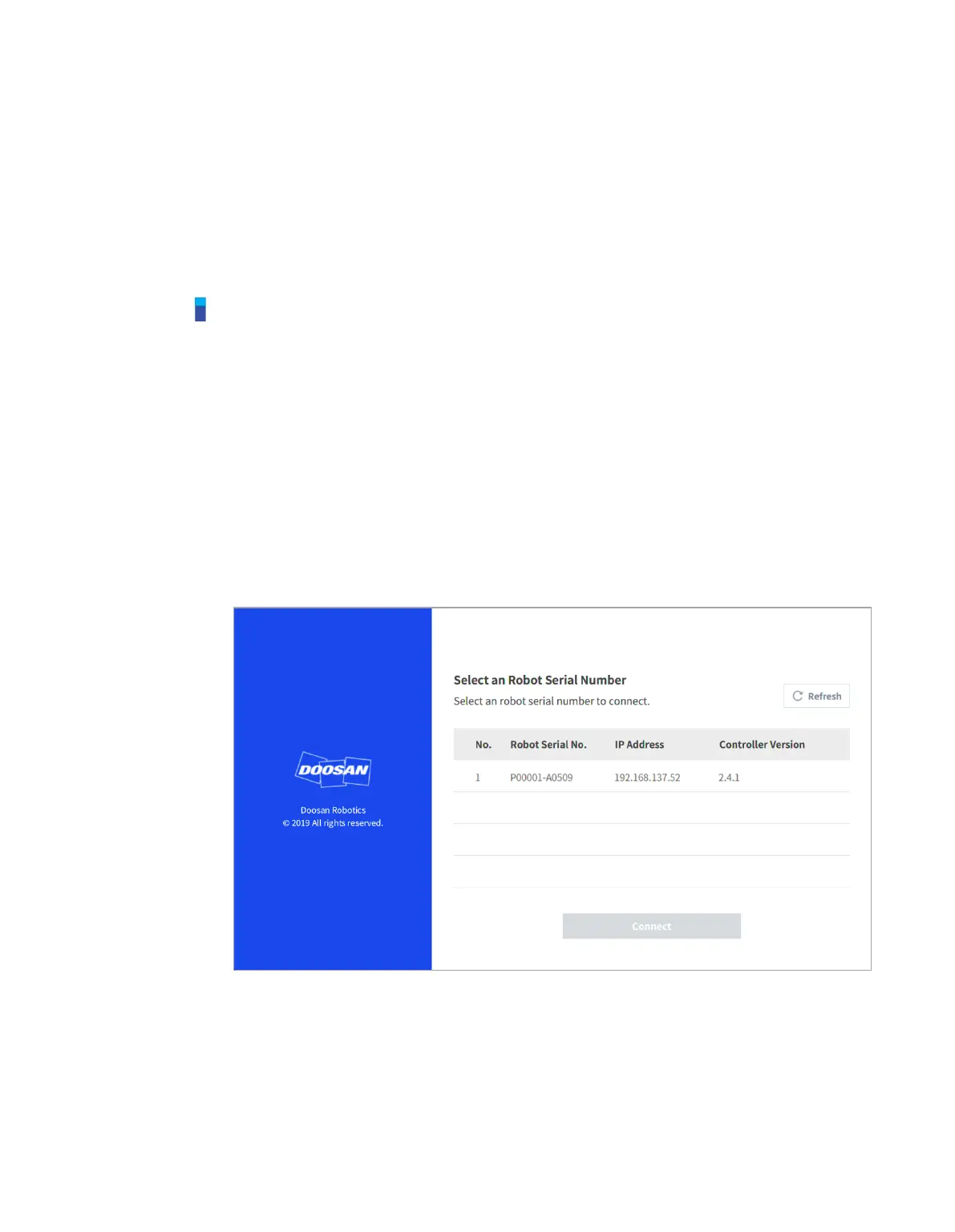
Using the DART Platform allows robot control without the teach pendant.
The DART Platform displays a screen that shows the robot connected to the network after
booting, and the process of checking the robot’s serial number and connecting to the robot take
place on this screen.



 To Next Page