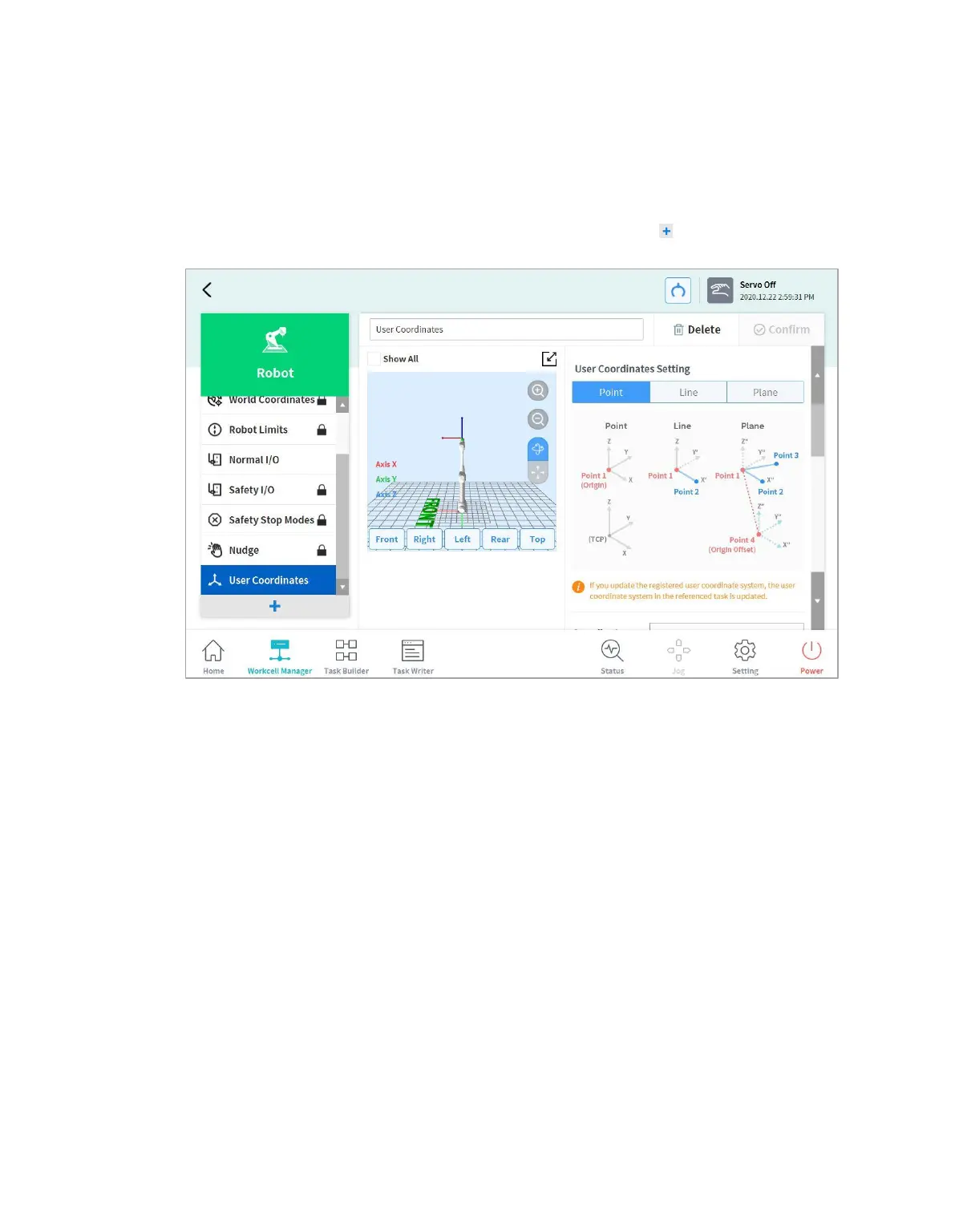
7.5.9 User Coordinates Setting
The coordinate representing the workpiece can be set. This coordinate is called User Coordinates, and
it is different from World Coordinates. It is possible to set the pose of User Coordinates using the base
or World Coordinates, and User Coordinates can be selected when teaching and moving using the
robot from Task Builder and Task Writer. To set User Coordinates, tap the Add button on the
Robot Workcell and select Robot > User Coordinates.
1. Enter the values required for settings.
2. Make sure to read the description image and cautionary items of the User Coordinates.
3. User Coordinates can be created based on 1-point, 2-points and 3-points.
4. It is possible to load pallet coordinates from Advanced Options and apply them to User
Coordinates points.



 To Next Page