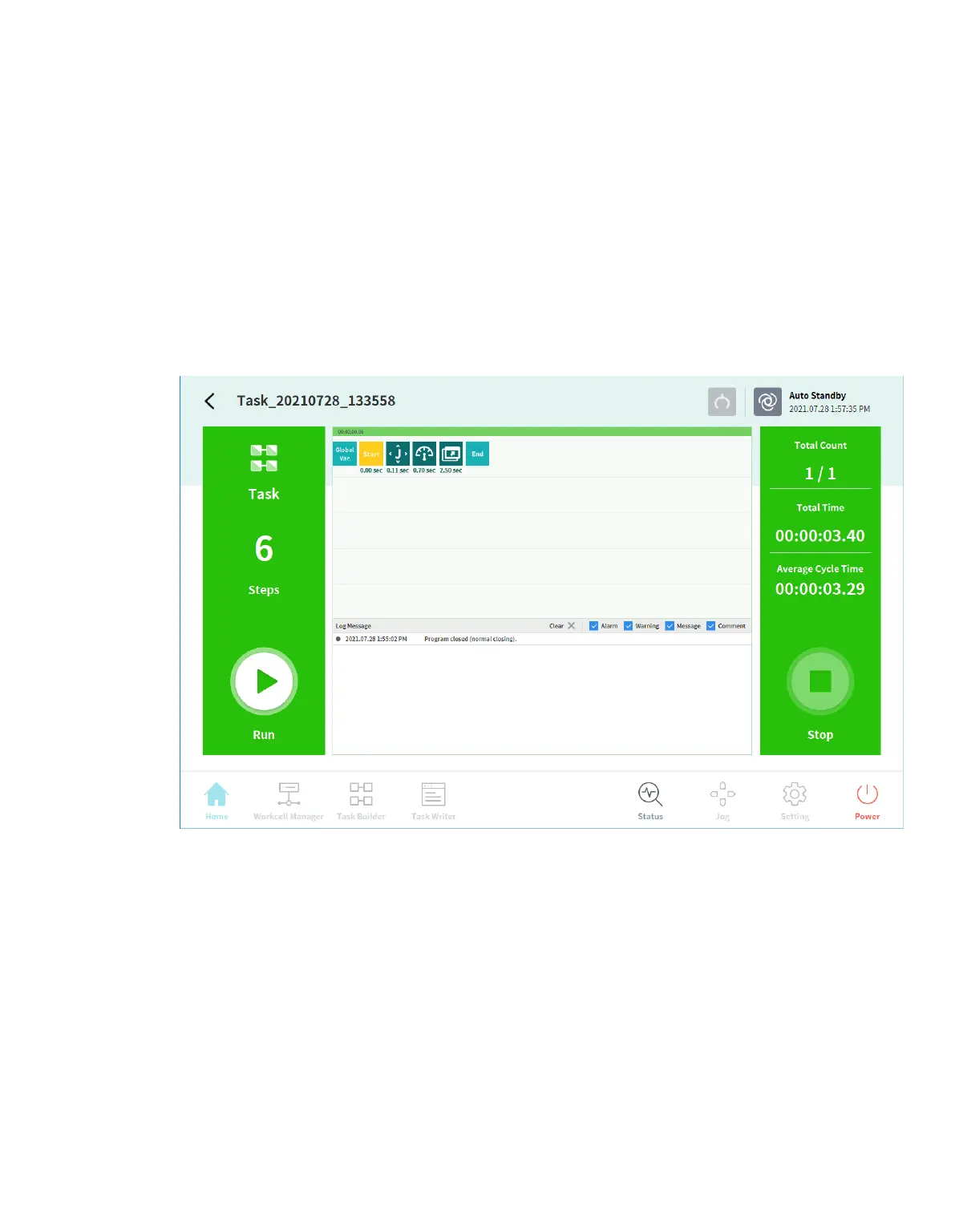
12.9 Check Log
12.9.1 Checking Log Messages
To check the log message of the robot, tap the Settings button and select Log.
12.9.2 Checking Real-time Log Messages During Program Execution
The Run screen under Home supports real-time logging. You can see logs of the Alarm, Warnin
g, Message, and Comment types in real time as they occur during program execution. Each typ
e can be toggled on/off and a maximum of 100 can be checked at once.
12.9.3 Extract Log
Logs created during robot operation can be saved on a USB storage media. Search can be made in units
of 1 week.



 To Next Page