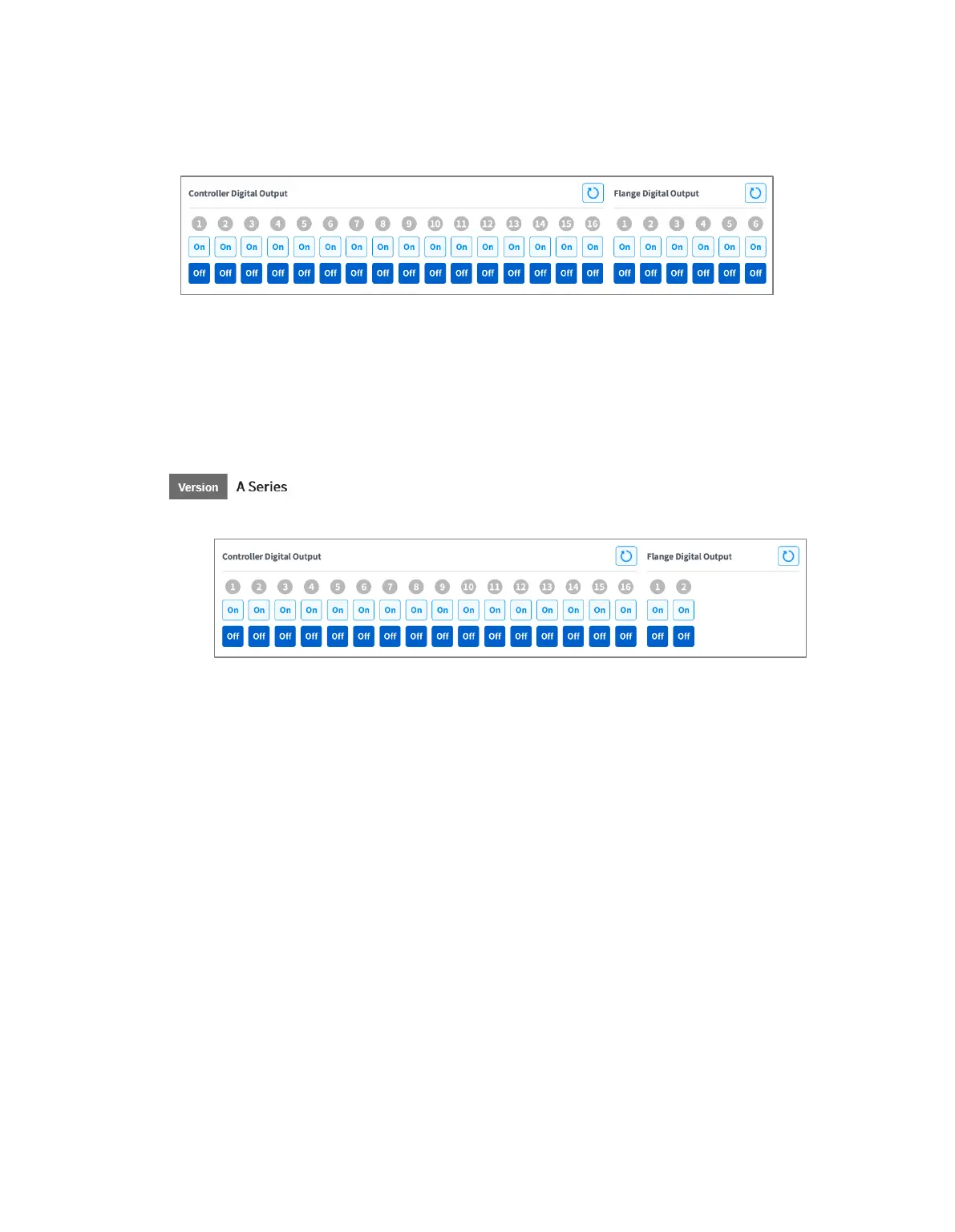
10.2.3 Controller/Flange Digital Output Setting
1 Check the port number of the device connected to the controller or flange.
2 Press the On/Off icon corresponding to the port number to activate or deactivate digital output.
The icon changes to light green and the corresponding port is enabled when the On icon is
pressed.
The icon changes to light green and the corresponding port is disabled when the Off icon
is pressed.
Only two flange I/Os of the flange digital output of A-Series are displayed.



 To Next Page