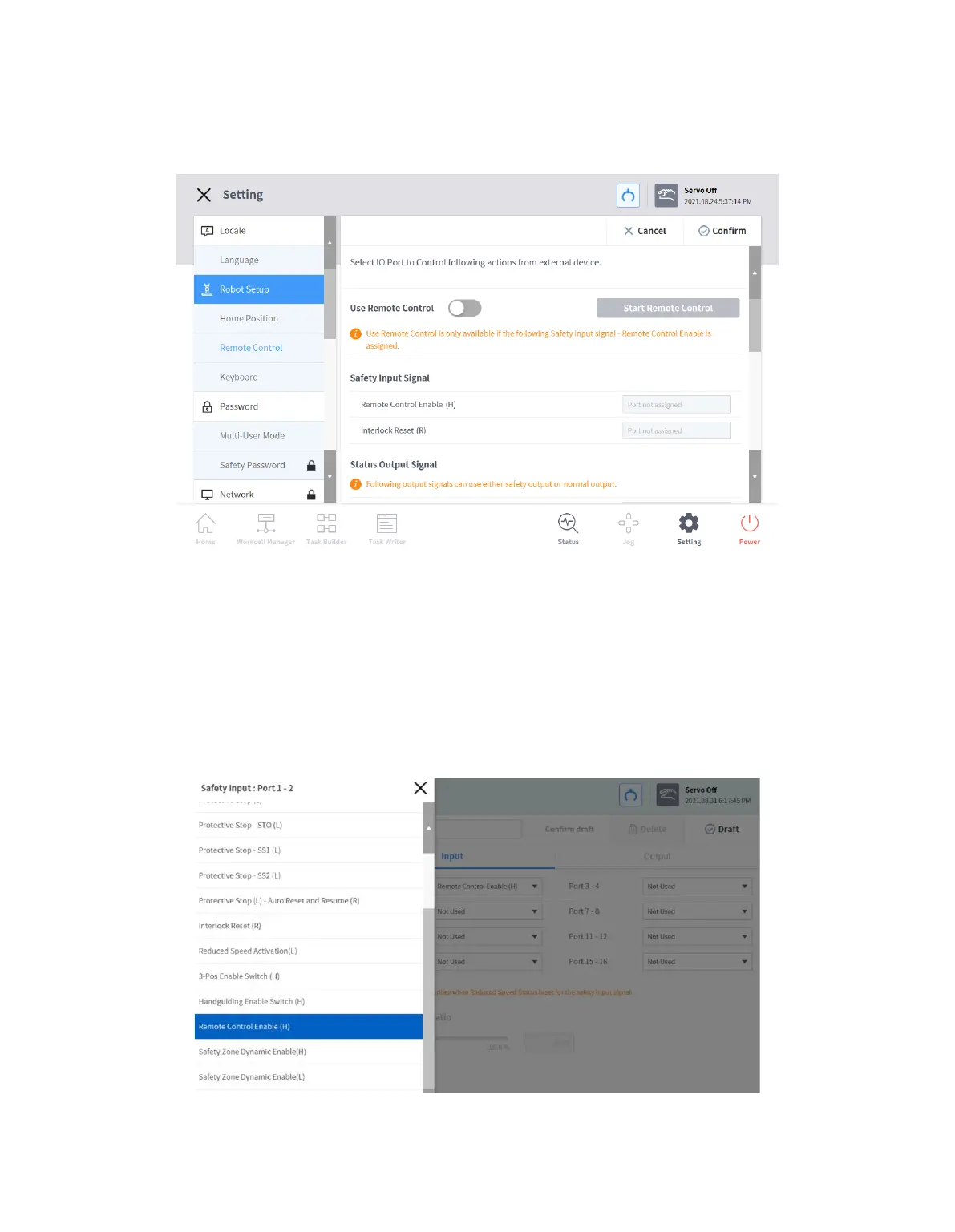
12.3.3 Remote Control Setting
1 Select the Remote Control menu in the Setting > Robot Setup menu.
The current setting information is displayed in the setting management window.
2 Set the Use Remote Control button to ON.
If the system is restarted with remote control set to ON, it boots up in remote control mode.
3 Enter the output signal, input signal and default load task values.
If the input signal is not set, settings cannot be made. In the Workcell Manager > Safety
I/O > Input tab, Edit > Select Port > Configure Remote Control Enable(H).



 To Next Page