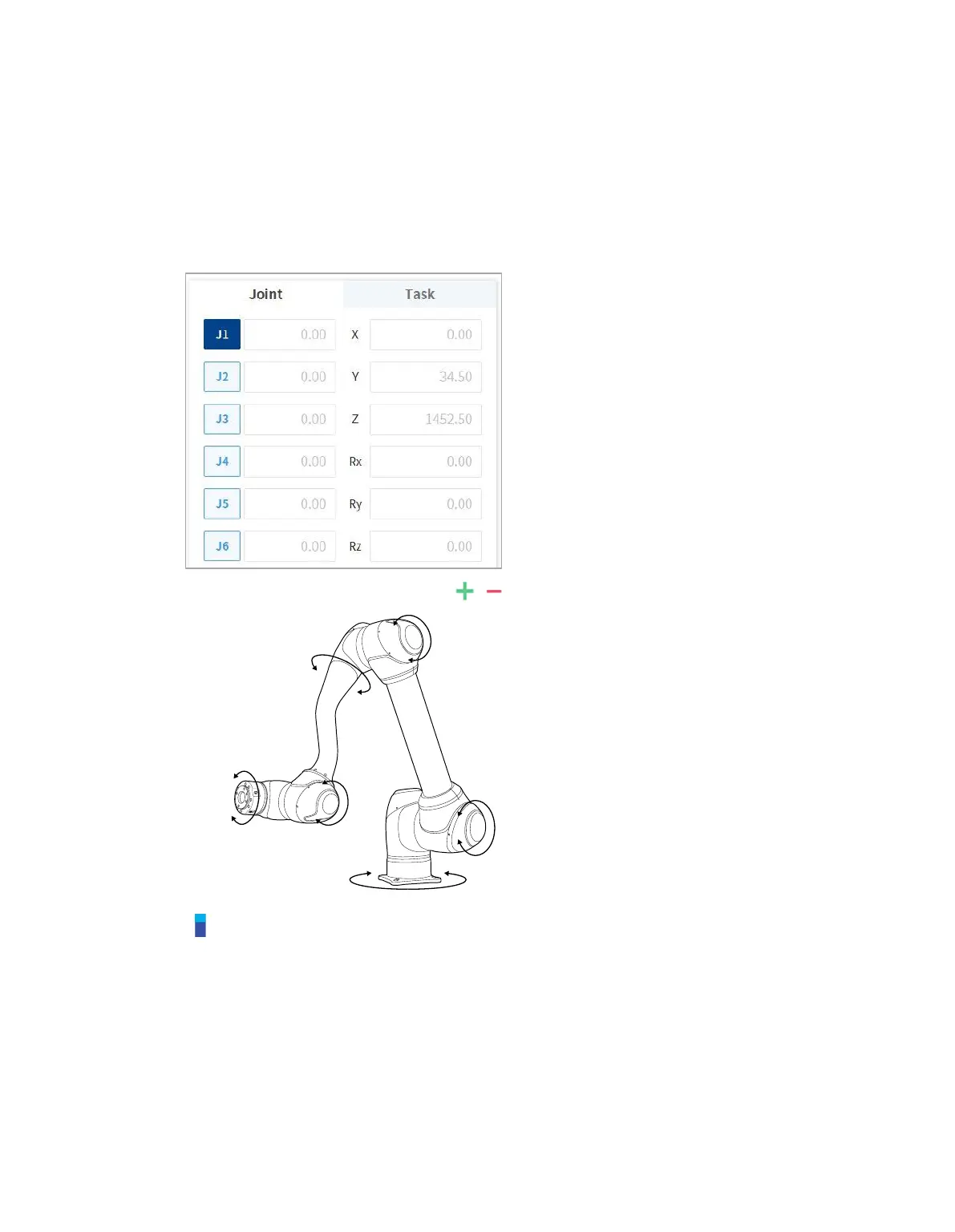
11.1.1 Execute based on Joint
To adjust the angle based on the robot joint, follow these steps:
1 Select the Joint tab on the Joint screen.
2 Select the axis (J1-J6) to adjust the angle.
3 Press and hold the Direction Button ( , ) to adjust the angle of the corresponding axis.
Note
Safety area does not apply in virtual mode.



 To Next Page