10.2 I/O Status Check
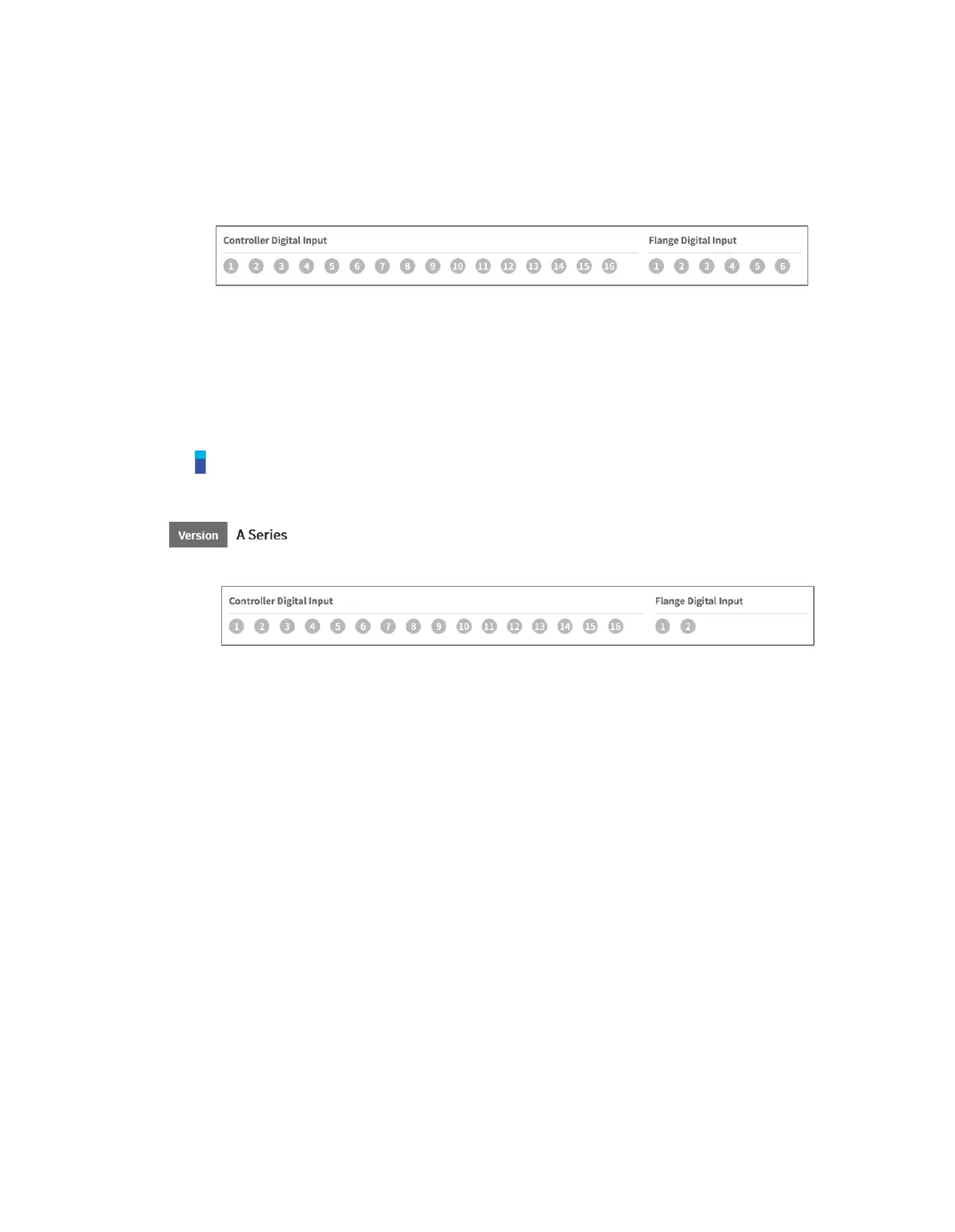
10.2.1 Controller/Flange Digital Input Check
1 Check the port number of the device connected to the controller or flange.
2 The following is displayed depending on the digital input status of the corresponding number.
If the digital signal is a high signal, the icon is displayed in light green.
If the digital signal is a low signal, the icon is displayed in gray.
Note
If the digital signal is High even when the digital input is set as the safety input, the icon is displayed
in blue, and if it is Low, it is displayed in gray.
Only two flange I/Os of the flange digital input of A-Series are displayed.



 To Next Page