10.6 Backdrive Mode
Backdrive allows the robot joint control with only the brake and without power driving the motor. This
function is used when the robot cannot return to normal with Safety Recovery mode or Hand-guiding.
With Backdrive mode, the user can engage or disengage the brake of each joint.
The process of setting Backdrive mode is as follows:
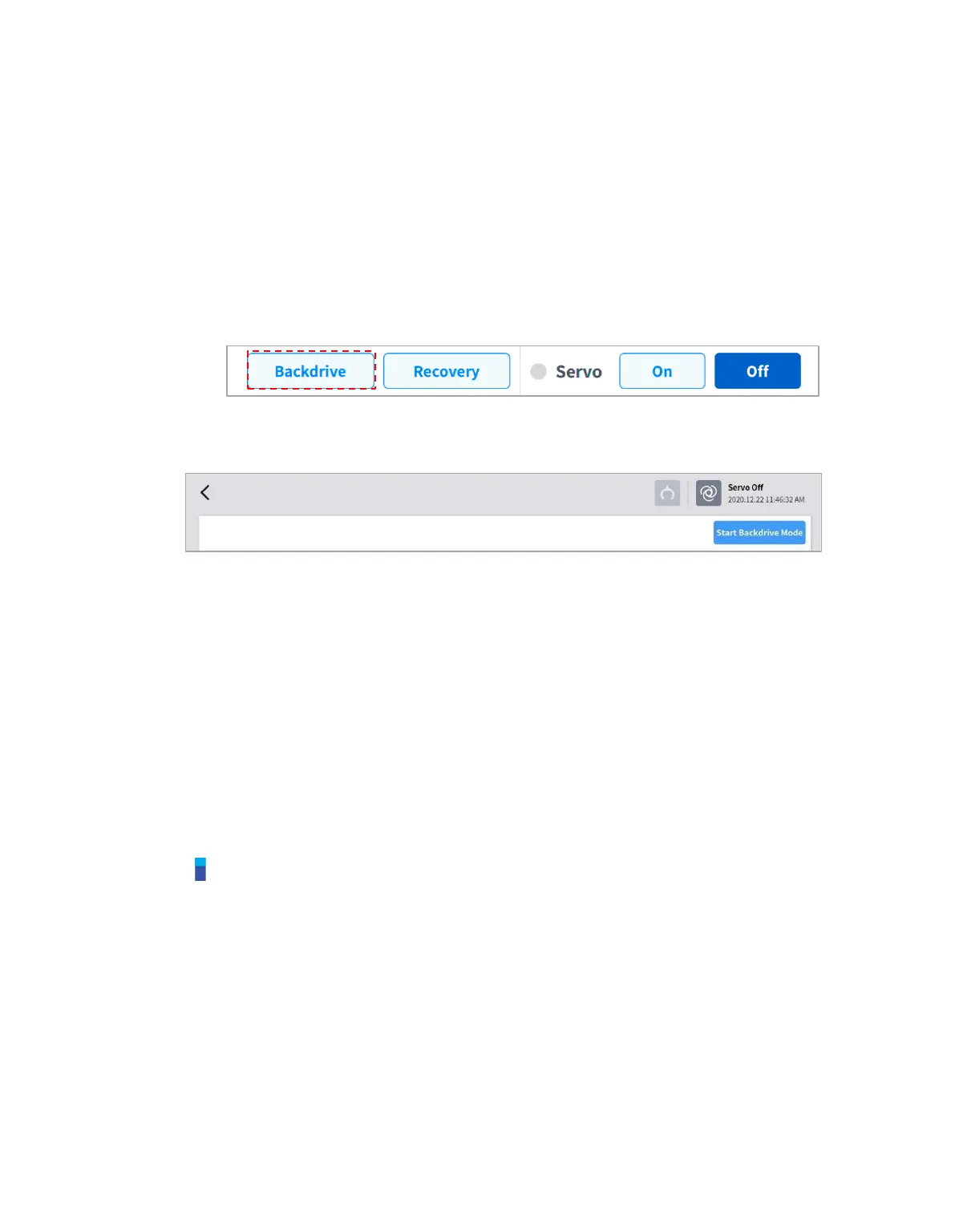
1 Tap the Status button on the main menu and tap the Backdrive button.
If the Backdrive button is not enabled, press and release the Emergency Stop button or press
the Servo Off button to enable it.
2 Tap the Start Backdrive Mode button on the Backdrive screen.
OFF/ON buttons to release the brakes of each joint are enabled.
3 Set the brake of the joint to move as OFF (Release) and move the robot by applying force.
Due to the deceleration ratio of the decelerator inside the joint, the joint sagging speed due
to the manipulator weight is not high, and movement speed when force is applied is also
not high.
If the decelerator malfunctions or if joints move at a speed faster than a certain speed
during Backdrive mode, the brakes of all joints are applied automatically to ensure safety.
4 Set the brake ON (Hold) when the position change is complete.
5 Tap the Power on the main menu to shut down the operating program, tap and hold the power
button on the top of the teach pendant to shut down the system, and press it again to turn on the
system.
Backdrive is released and work can resume normally.
Note
Move each joint back to the normal work range individually in sequential order.
If Backdrive mode is executed, the system must be rebooted to resume normal work again.
Use caution as temporary sagging may occur depending on the axis location in Backdrive
mode.



 To Next Page