8.1.9 Import Tasks on External Storage Devices
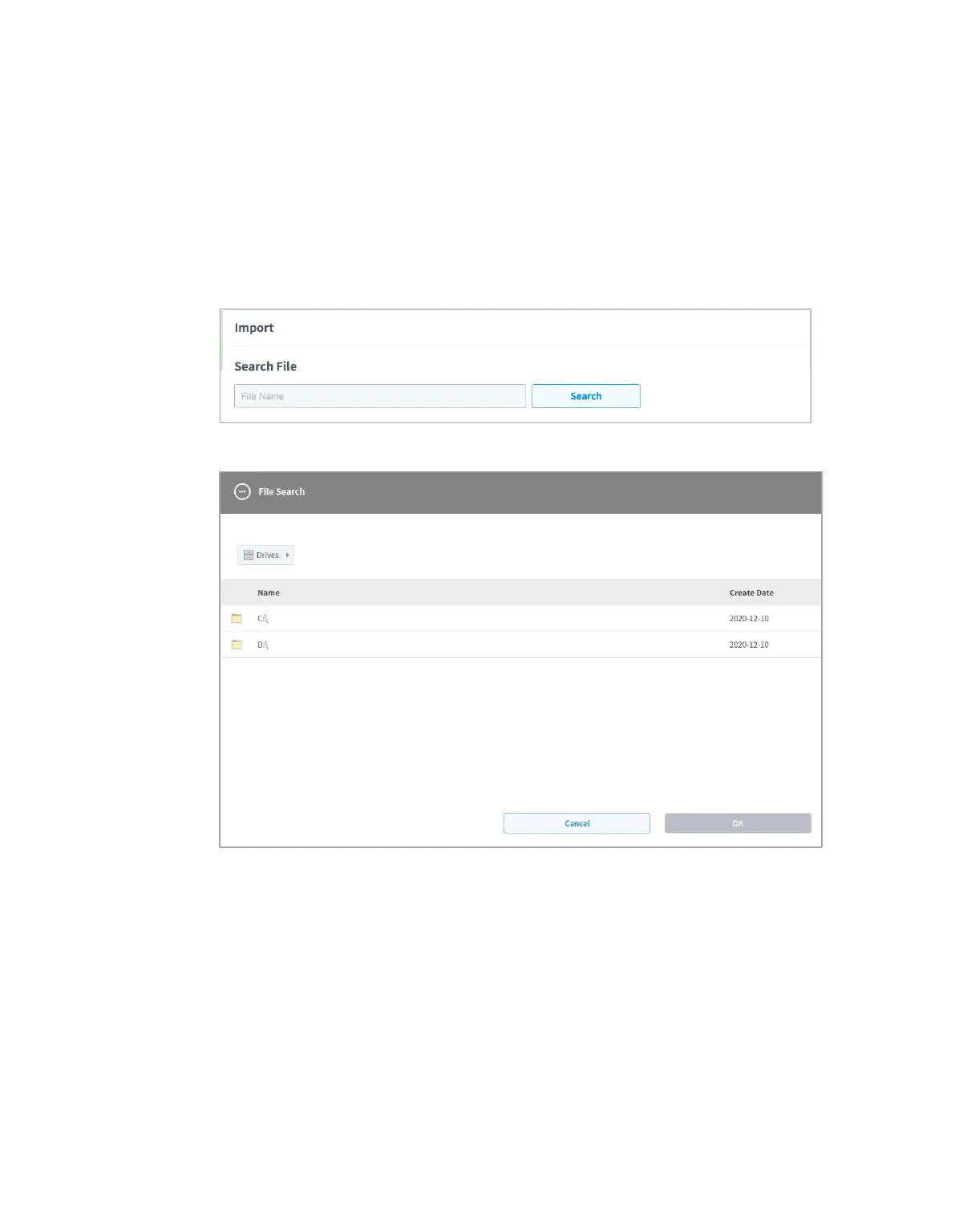
To import a task saved on an external storage device, follow these steps:
1 Connect the external storage device with the task file to the USB slot.
2 Tap Import on the initial screen of Task Builder.
3 Tap the Search button.
4 When the Search File window appears, select the task to import and tap the Confirm button.
5 Tap the Import button on the bottom right.
When the task file is saved on an external storage device, the Save Complete window appears.
To load a task file saved on the system, refer to “8.1.7 Load Saved Tasks.”



 To Next Page