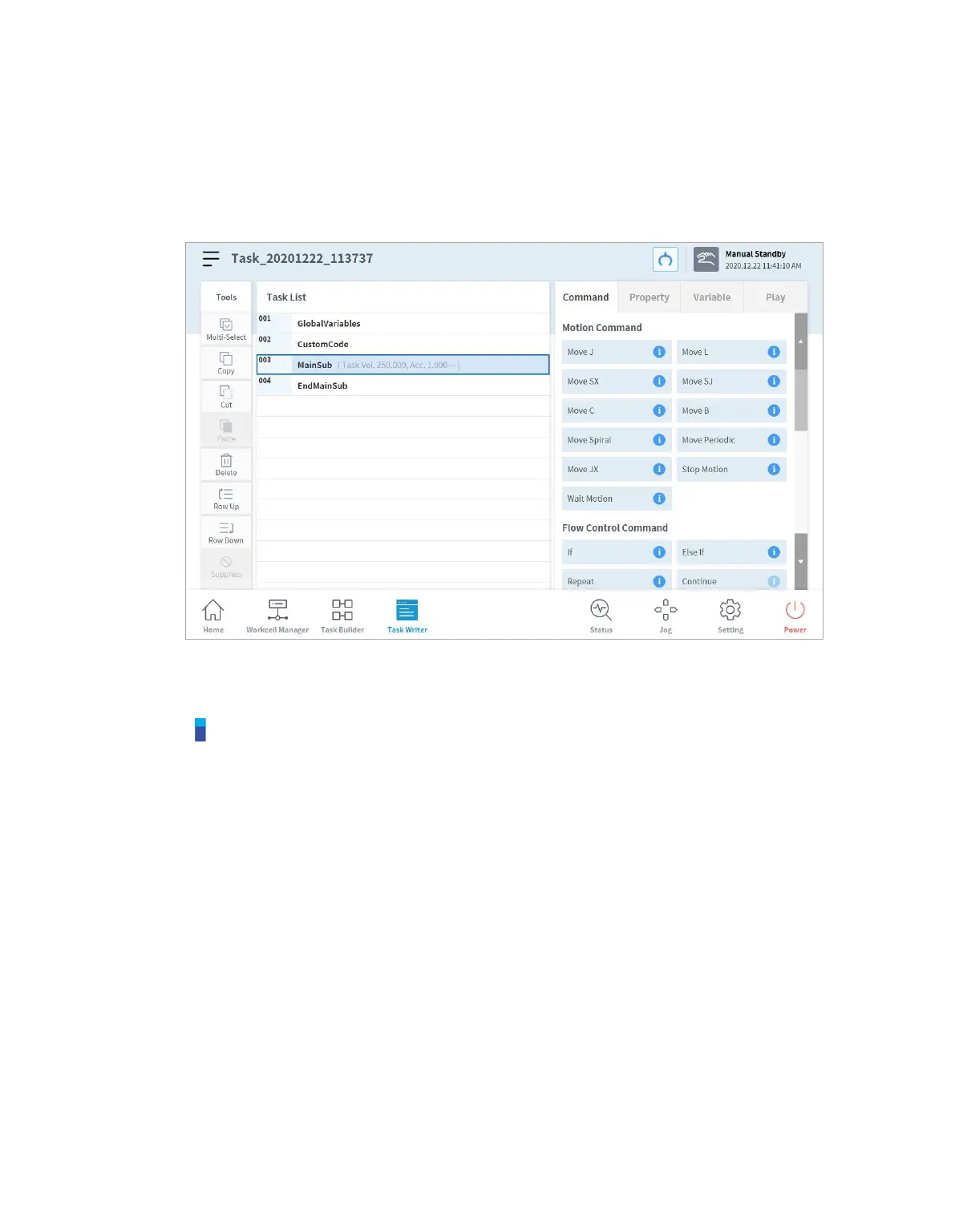
9.2 Edit Task Program
The edit screen of Task Writer is identical to that of the edit screen of Task Builder, and the editing
features are also identical.
For more information about the edit task program, refer to “8.4 Edit Task”.
Note
GlobalVariables: The global variable and global pose of the task program can be entered in
the Property tab of GlobalVariables, and predefined global variables and global poses can be
used in the property screen of the command added in the task list. 10 all-area variables and all-
area poses can be added to each GlobalVariables command.
CustomCode: The user can enter DRL Codes or load predefined programs saved in an
external storage device.
MainSub and EndMainSub: The command selected by the user is added to the bottom of the
MainSub, and commands are executed in the order of commands located at the bottom of
MainSub to commands located at the top of MainSub.
Thread: Jobs to be performed simultaneously with MainSub can be added as a Thread, and
when a Thread is added, a command can be added below the Thread. Motion commands
cannot be added to a Thread.
The Line Monitoring option under Thread command > Property screen is used to
allow/disallow focus transfer to commands inside the thread block upon program execution.



 To Next Page