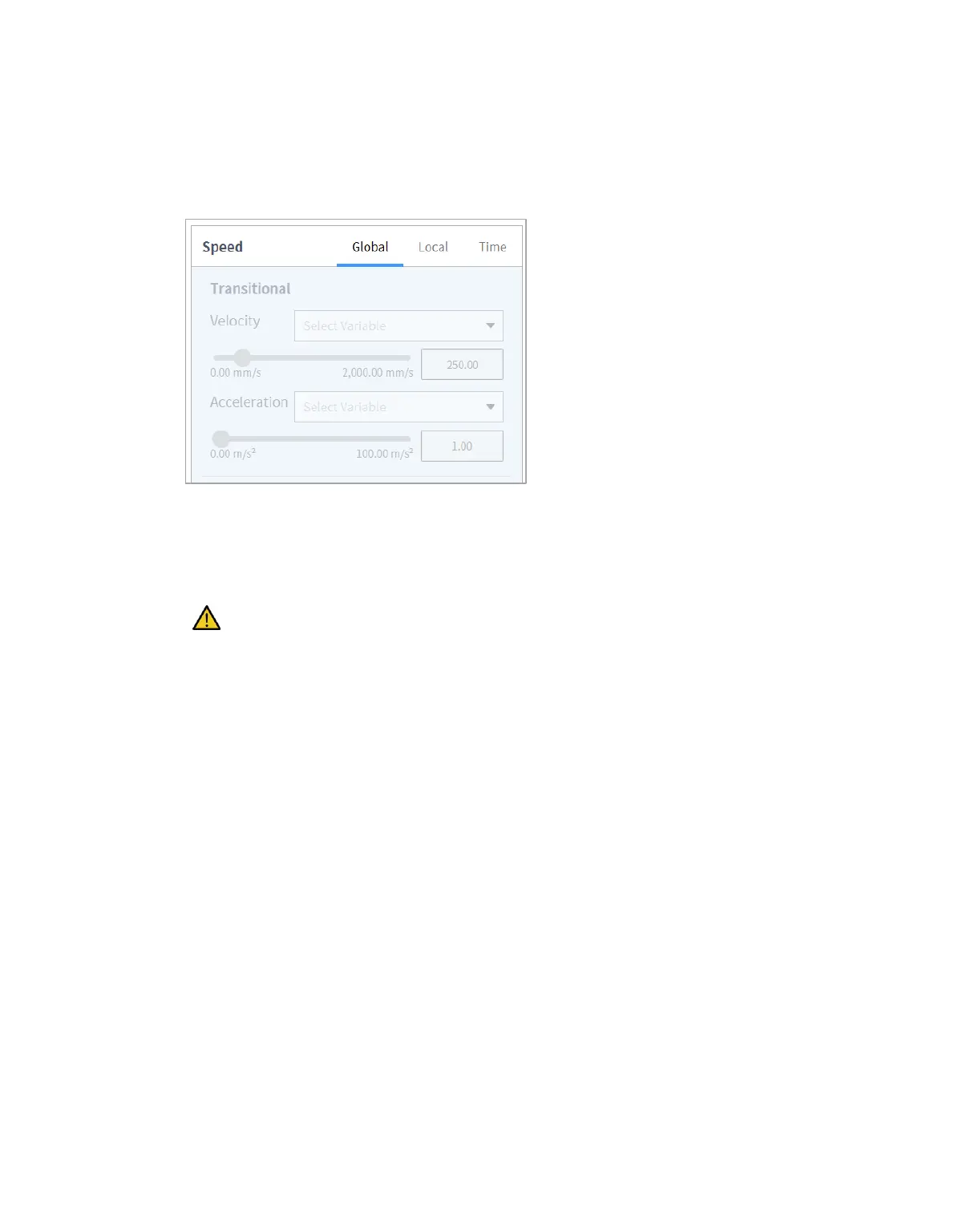
8.6.2 Speed Setting
The default speed is the speed configured for all areas. If the speed property is set as All Areas, it
operates with the speed set in the MainSub property.
Tap the "Local" tab and set the velocity property to Local to designate the velocity to be applied to the
command individually.
• The user can enter a speed and acceleration directly or use the slide bar to setting.
• The user can configure variables if necessary.
Caution
If a heavy (15 kg or more) tool is attached, it is recommended to set the acceleration value to
the same amount or less. (Speed:Acceleration Ratio = 1:1)
If a high acceleration is set, the robot may vibrate during acceleration/deceleration.



 To Next Page