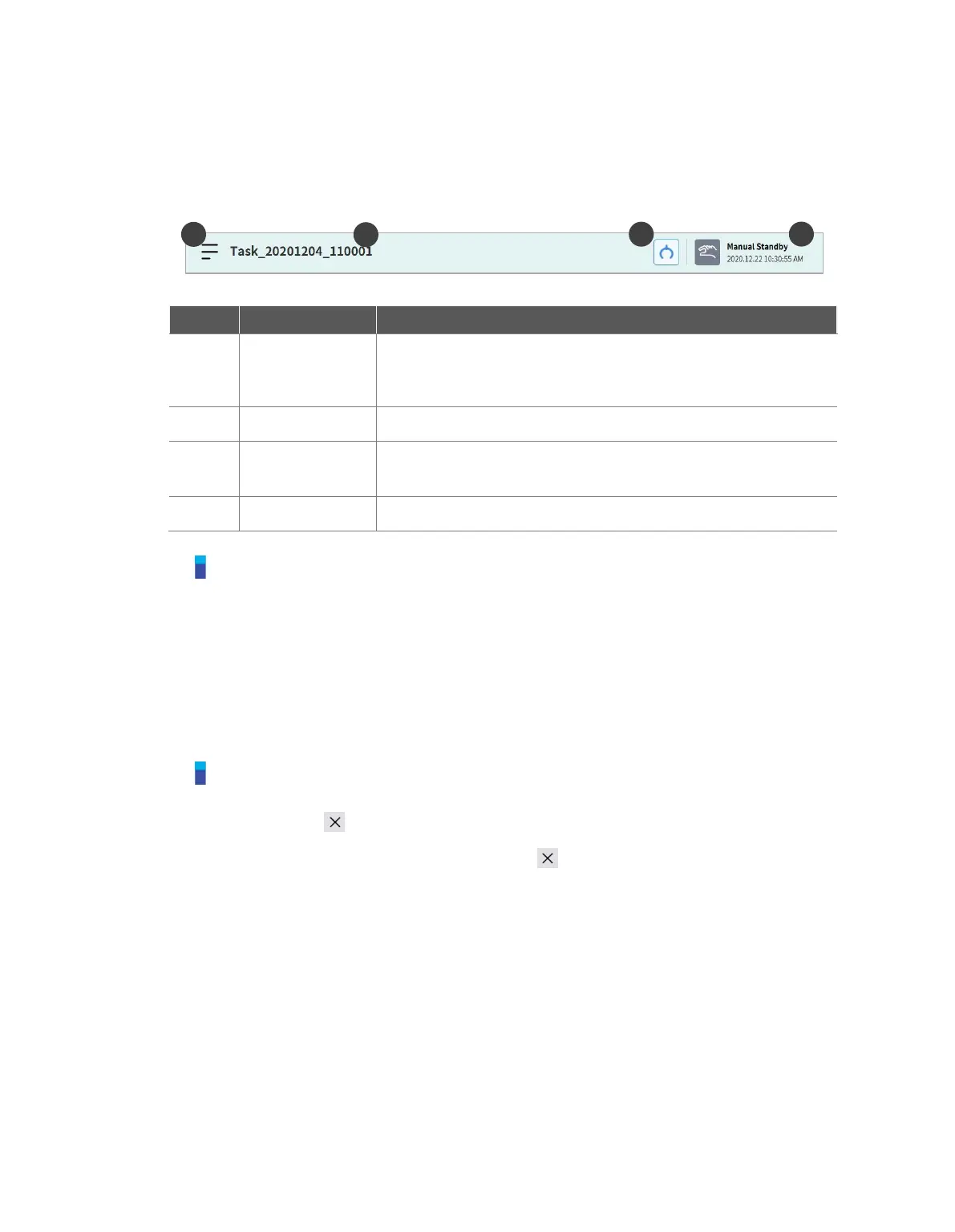
5.1 Status Display Area
The status display area displays the current robot status and the opened task. The items displayed in
the area may vary according to the screen displayed.
Tap the Menu button to create a new task, or save or load a task
currently being edited. The functions displayed when the menu
button is tapped vary according to the screen displayed.
Note
Check the robot state shown in the status display area. The information can be used as a reference
when performing work using the robot. Refer to “3.4 Robot Mode and State”.
5.2 Work Screen Area
The screens displayed on the work screen vary according to the main menu selected by the user.
Note – Status, Jog, Setting Popup Window
The Status, Jog and Settings screens are displayed in popup windows for operation convenience,
and tapping the button in the popup window will return to the edit screen prior to the popup
window. Pressing the Workcell Manager, , Task Builder or or Task Writer button on the main
menu without closing the popup window using the button on the Status, Jog or Settings
screen will enter a new screen rather than returning to the previous screen.



 To Next Page