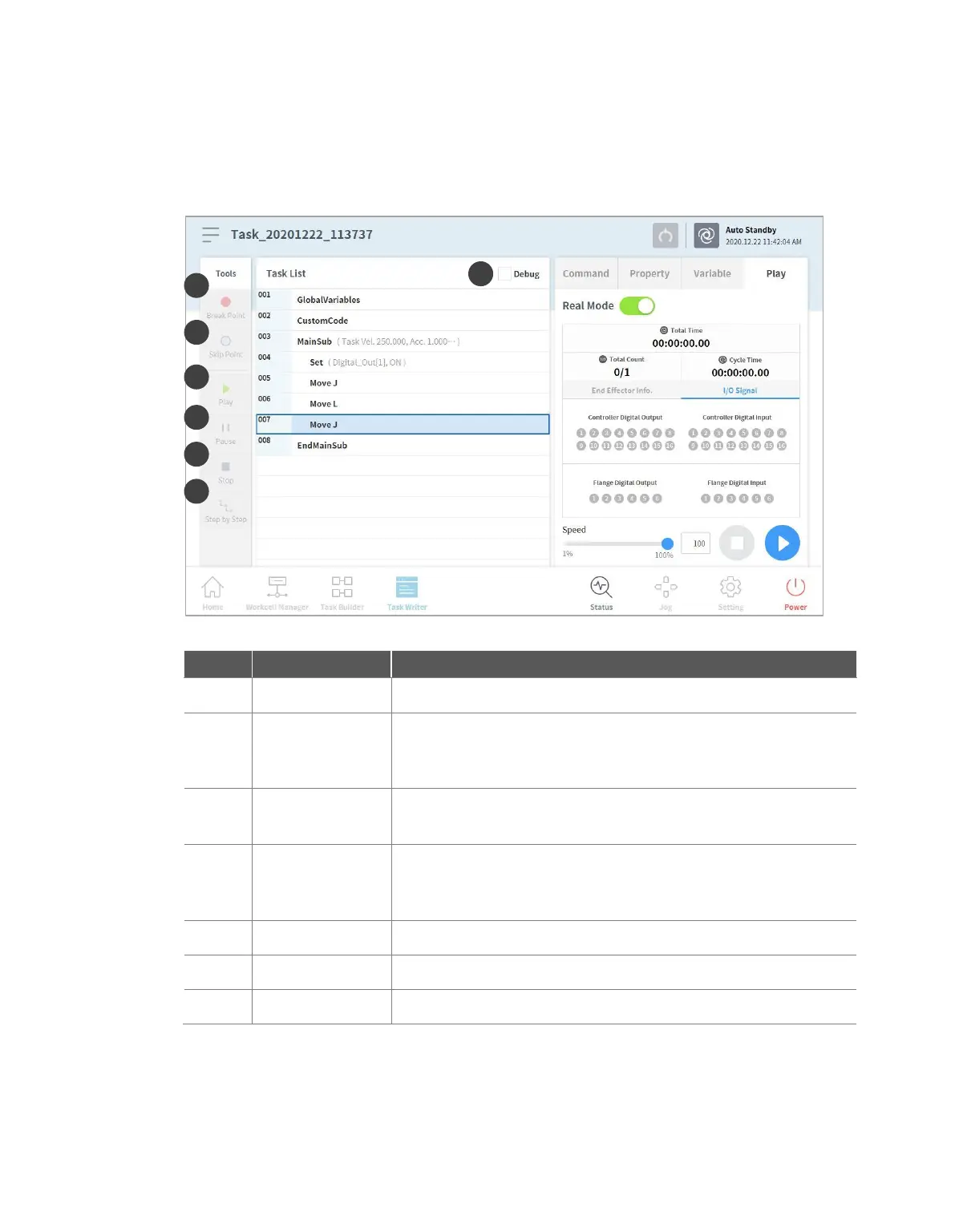
9.6 Debug Screen
The debug mode of the Task Writer screen is structured as follows:
Sets the robot test play debug mode.
Sets a break point in a command. When the command is reached
after executing the task, the robot does not execute the task and
stops.
Sets a skip point in a command. When the command is reached after
executing the task, the robot does not execute the task.
Play/Restart
Toggle Button
Executes the task in debug mode. If the break point is reached during
task execution or if the task is paused, the button changes to the
Restart button.
Temporarily pauses the current task execution.
Suspends the current task.
Executes one command at a time while the task is paused.



 To Next Page